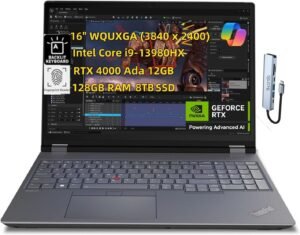
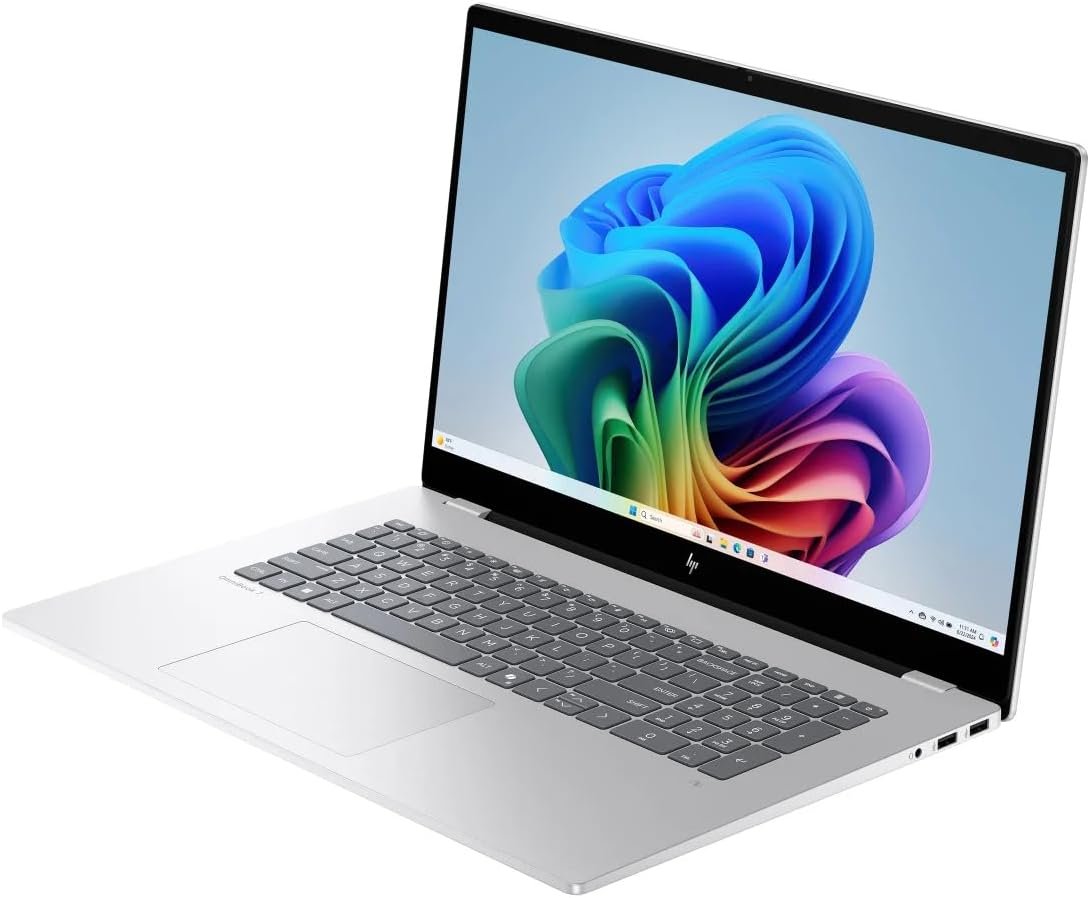
The HP OmniBook 7 17.3 is an interesting laptop because it sits between categories. It is not a traditional gaming laptop, yet it includes a dedicated NVIDIA GeForce RTX 4050. It is not a workstation either, but it offers a large touchscreen display, a modern Intel Core Ultra processor, and a configuration aimed at productivity, media use, and light creative work. Based on the Amazon listing you shared, this model includes a 17.3 inch FHD IPS touchscreen, an Intel Core Ultra 7 258V, 32GB of memory, a 1TB SSD, Thunderbolt 4, and Windows 11 Pro. HP’s official OmniBook 7 17 lineup also confirms a 17.3 inch FHD touch model with Core Ultra 7, 32GB RAM, and RTX 4050 graphics in this family.
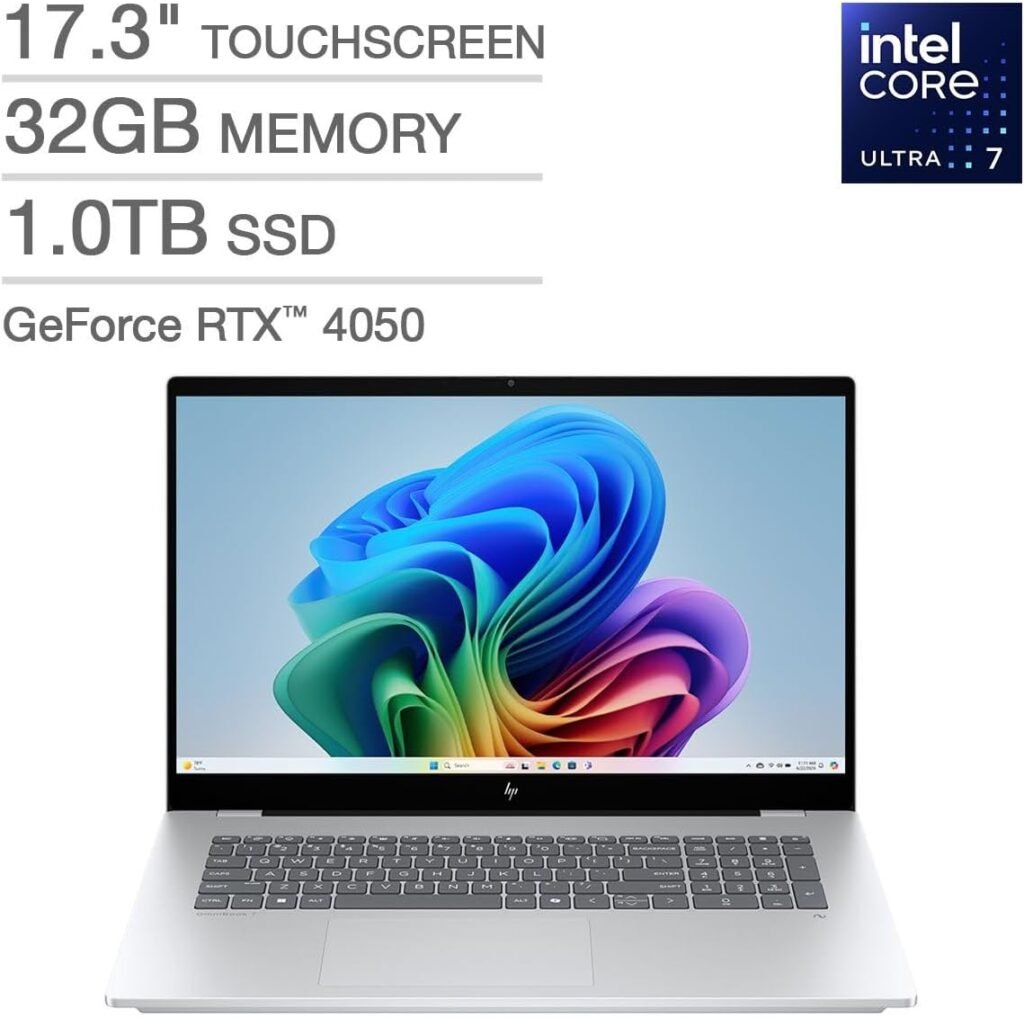
The first thing that makes this laptop stand out is the screen size. A 17.3 inch display is increasingly uncommon in mainstream laptops, and that alone gives the OmniBook 7 a very different feel from more compact 14 inch or 16 inch machines. For users who spend long hours reading documents, working with spreadsheets, multitasking across windows, or simply watching media, the extra display space can be a real advantage. The fact that it is also a touchscreen adds flexibility that many large laptops do not offer. According to the Amazon listing, the panel is a 1920 by 1080 IPS touch display rated at 400 nits, which should be perfectly comfortable for general indoor productivity and entertainment use.
Performance looks quite strong for the kind of laptop this is trying to be. The Amazon page lists the Intel Core Ultra 7 258V along with Intel AI Boost, and the dedicated RTX 4050 gives this machine a much broader range of use than a standard large screen office laptop. In practical terms, that means the OmniBook 7 should be able to handle everyday productivity, multitasking, video conferencing, creative apps, and light to moderate GPU accelerated workloads much more comfortably than a machine relying only on integrated graphics. HP’s official OmniBook 7 17 product page also shows this class of configuration being marketed as a Copilot+ PC for power users and students, which fits that broader productivity plus acceleration role quite well.
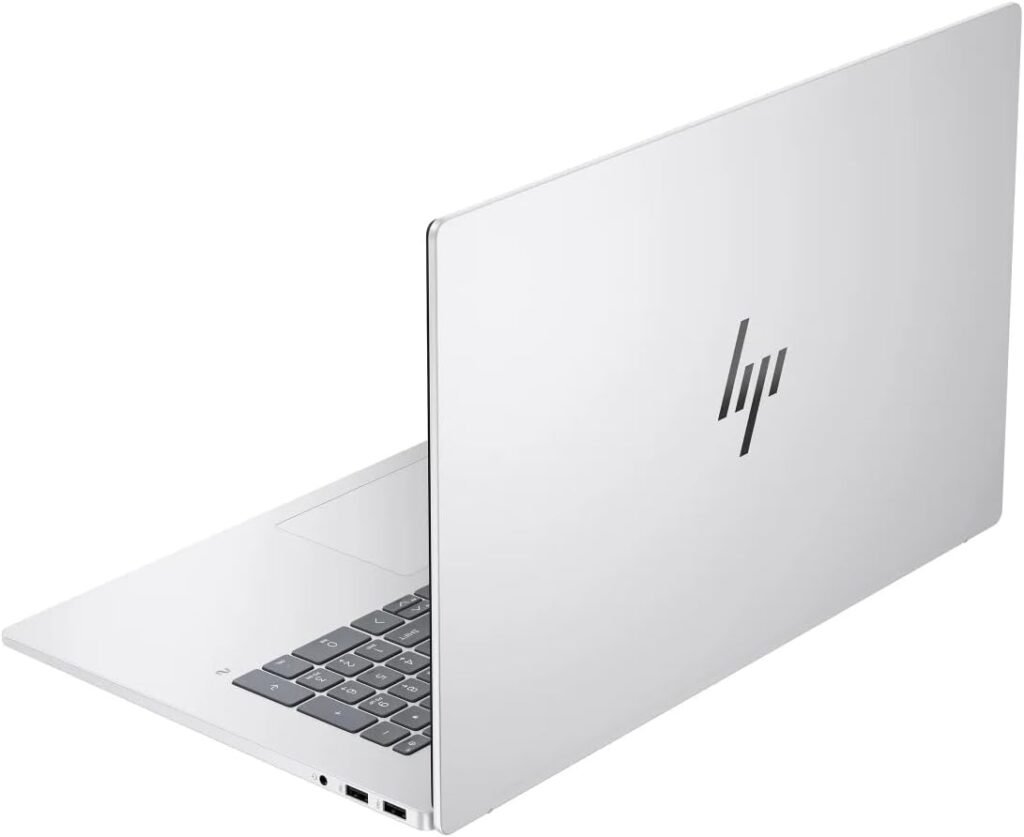
One of the most appealing aspects of this model is balance. Unlike a gaming laptop, it does not appear to lean into aggressive styling, RGB lighting, or bulky gamer aesthetics. At the same time, unlike many business laptops, it offers a dedicated GPU that can help with creative software, GPU accelerated tasks, and even some gaming. That makes it potentially attractive for users who want one machine for work, entertainment, occasional creative use, and general home computing without stepping into a full gaming laptop category. Costco’s listing for a very similar configuration also shows the same general formula: 17.3 inch FHD IPS touchscreen, Core Ultra 7 258V, 32GB memory, 1TB SSD, and RTX 4050.
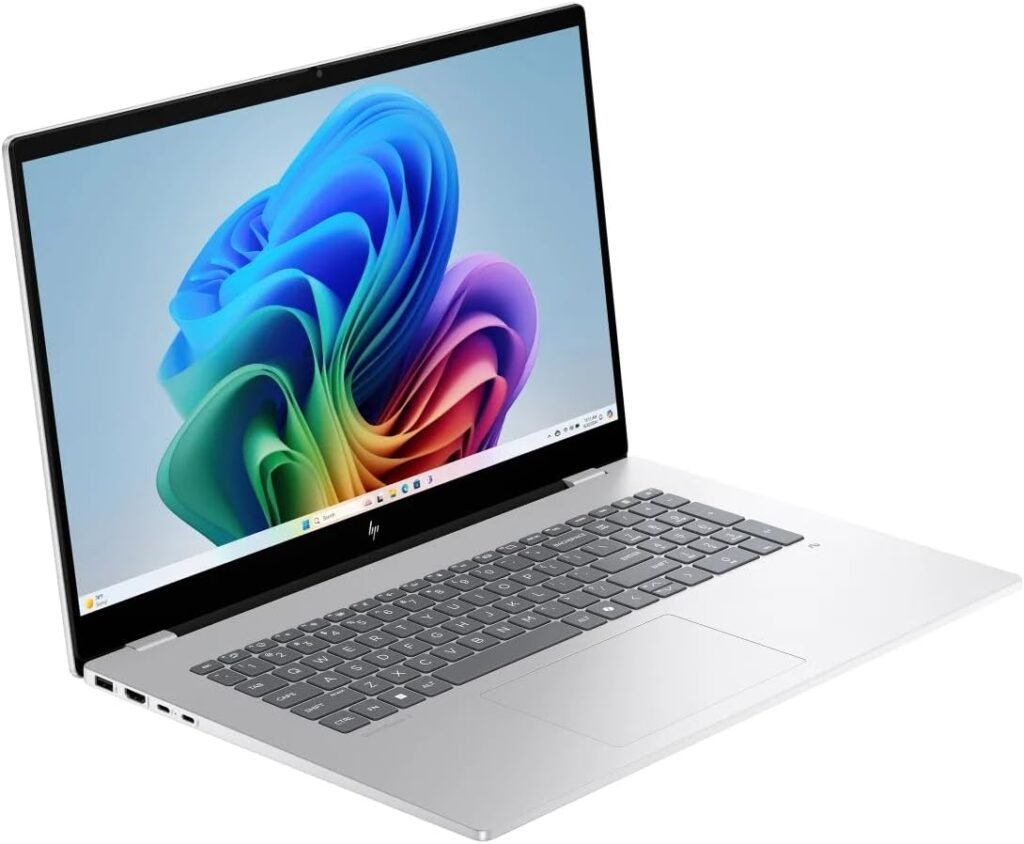
The inclusion of Thunderbolt 4 is another meaningful advantage. On a large productivity focused laptop, fast external connectivity matters because many buyers will want to connect storage, docks, displays, or office peripherals. That helps reinforce the idea that this is not just a casual home laptop, but a more capable everyday system that can fit into a desk setup as well. The large display, dedicated graphics, and modern port support together make it feel more versatile than many ordinary consumer laptops.
There are, however, a few things buyers should pay attention to. The first is listing clarity. The Amazon listing you provided says “32GB DDR5 Memory” and “Windows 11 Pro,” but very similar listings for this model family often describe the memory as LPDDR5 or LPDDR5x, and HP’s official consumer configurations are commonly shown with Windows 11 Home rather than Pro. That strongly suggests this may be a reseller configured or reseller relabeled listing rather than a simple factory standard retail package. That is not necessarily a problem, but it does mean buyers should read carefully and verify the exact memory type, operating system edition, warranty handling, and included accessories before purchasing.

The second limitation is the display resolution. A 17.3 inch FHD panel is practical, but it is not especially sharp by premium laptop standards. On a screen this large, some users may prefer a higher resolution, especially if they do detailed visual work or simply like crisper text. This is not a deal breaker for general use, and it may actually help with battery efficiency, but it does mean the laptop feels more productivity oriented than premium display focused.
The third thing to keep in mind is portability. A 17.3 inch laptop is naturally less convenient to carry than a 14 inch or 16 inch machine. This is a better fit for someone who wants a large screen system at home, in an office, or moved occasionally between locations, rather than a laptop that travels lightly every day. The benefit is comfort and screen space, but the tradeoff is obvious mobility.

Overall, the HP OmniBook 7 17.3 looks like a compelling option for buyers who want a large screen all purpose laptop with more graphics capability than a typical consumer notebook. Its combination of a 17.3 inch touchscreen, Core Ultra 7 processor, 32GB memory, 1TB SSD, Thunderbolt 4, and RTX 4050 makes it much more versatile than a standard office machine. It is not a full gaming laptop, and it is not a true mobile workstation, but it fills an appealing middle ground for users who want comfort, screen size, and extra performance without an overly specialized design.
In the end, this laptop makes the most sense for someone who values a big touchscreen display and wants one machine for productivity, media, multitasking, and some GPU accelerated work. If portability is your top priority, there are better choices. If maximum gaming power is your goal, there are also better choices. But if you want a spacious, capable, and relatively well rounded large screen laptop, the HP OmniBook 7 17.3 is a strong option.