As an Amazon Associate, we earn from qualifying purchases.
Disclosure: This review contains affiliate links. If you purchase through links on this page, I may earn a commission at no additional cost to you. This helps support the site and allows me to continue providing honest, in-depth reviews for my readers.
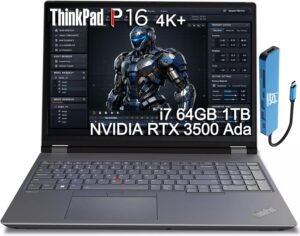
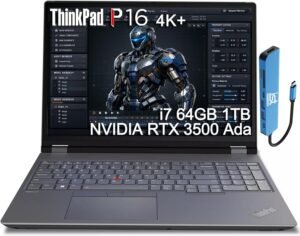
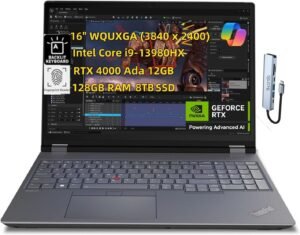
High-performance mobile workstations have become essential tools for today’s demanding professionals. Whether you’re an engineer tackling complex simulations, a designer pushing the boundaries of 3D rendering, or an architect working with massive BIM models, you need a laptop that delivers uncompromising power, reliability, and expandability. Enter the Lenovo ThinkPad P16 Gen 2 Mobile Workstation (16 inch FHD+, Intel Core i9-13980HX 24Core, 128GB RAM, 4TB SSD, NVIDIA RTX 2000 Ada 8GB)—a machine that, on paper, looks engineered to crush the toughest workloads. Priced at a substantial $6099.00, this laptop positions itself at the very top of the professional segment, promising desktop-class performance in a portable form factor.
But is this workstation truly worth the investment? Does it deliver the performance, reliability, and user experience that its premium price tag demands? In this comprehensive review, I’ll break down the strengths and weaknesses of the ThinkPad P16 Gen 2, explain its features and real-world benefits, and help you decide if it’s the right choice for your workflow and budget.
Let’s dive in and see how this flagship Lenovo stacks up in 2026.
Current Price: $6099.00
✓ Fast & Free Shipping with Prime | ✓ Easy Returns | ✓ Secure Checkout
Price as of 8/23/2026 – click to check current availability on Amazon
Product Overview & First Impressions
The Lenovo ThinkPad P16 Gen 2 Mobile Workstation is Lenovo’s answer to the growing demand for ultra-high-end mobile workstations. Its spec sheet reads like a wish list for any professional who needs raw computational power without compromise:
- 16-inch FHD+ display—ample screen real estate for multitasking and creative work
- Intel Core i9-13980HX—a 24-core, high-frequency powerhouse designed for intensive parallel workloads
- 128GB of RAM—enough for massive data sets, multitasking, and advanced simulation or 3D modeling
- 4TB SSD—ultra-fast, high-capacity storage for large projects, assets, and libraries
- NVIDIA RTX 2000 Ada 8GB—a professional-grade GPU for rendering, AI, and CAD acceleration
- USB hub included—expanded connectivity out of the box
- Windows 11 Pro—designed for business and professional environments
The target audience is clear: engineers, architects, 3D artists, designers, and anyone whose workflows demand the very best in mobile computing. This is not a consumer laptop—it’s a precision tool for professionals who can justify (and leverage) its capabilities.
In terms of packaging and presentation, Lenovo’s ThinkPad line is known for understated, businesslike aesthetics. The box typically contains the laptop, a robust power adapter, the USB hub, and documentation. Setup is straightforward: open the lid, boot into Windows 11 Pro, and you’re ready to install your preferred software stack. The initial out-of-box experience is smooth and professional, with a focus on getting you productive quickly.
Design & Build Quality
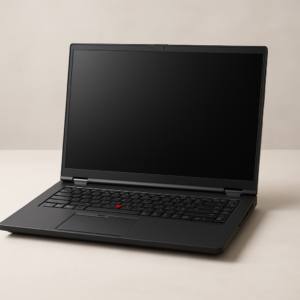
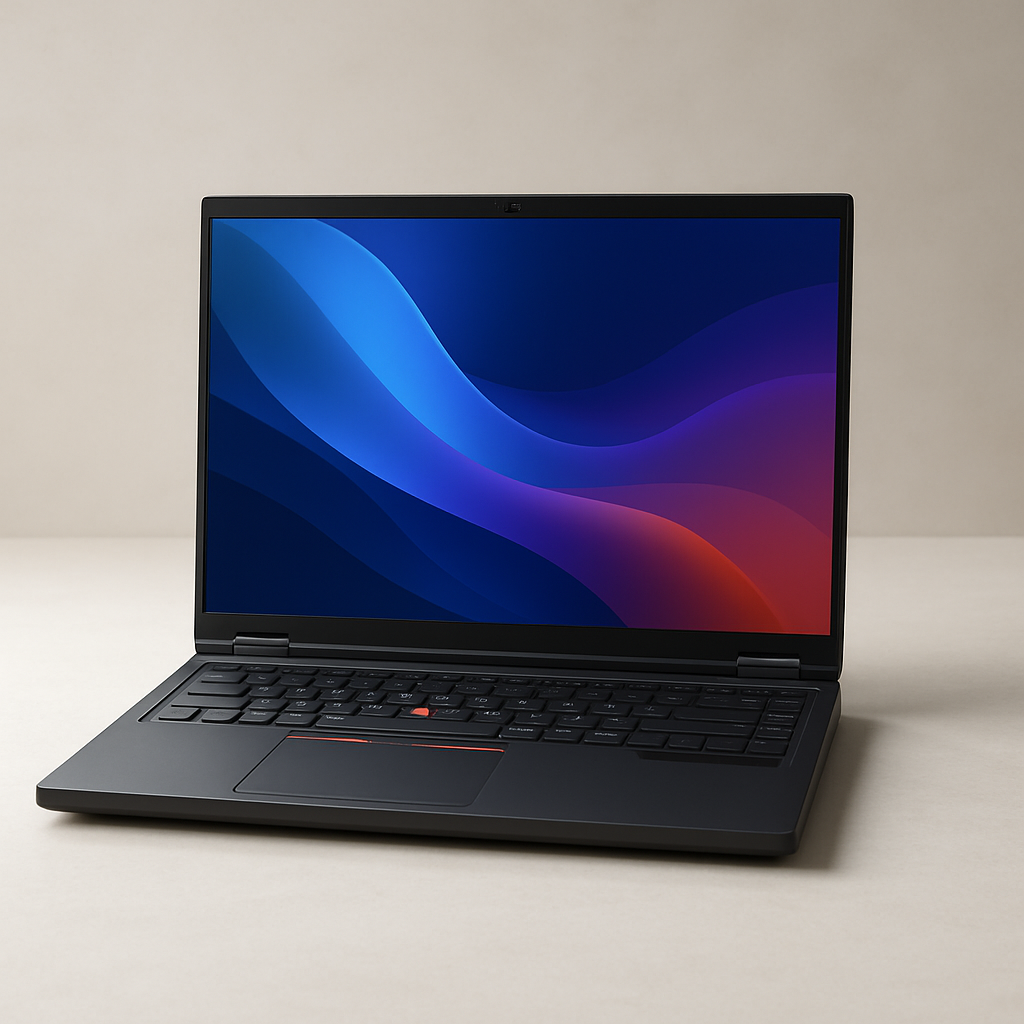
First impressions matter, and the ThinkPad P16 Gen 2 immediately signals its workstation roots. The design is classic ThinkPad: matte black chassis, red TrackPoint, and subtle branding. Lenovo’s commitment to durability is evident—the magnesium alloy and high-strength plastic construction exudes solidity, and the hinge mechanism is both smooth and reassuringly firm.
At 16 inches, this is a large laptop, but Lenovo’s engineering ensures it’s surprisingly portable for its class. Expect a weight in the range of 6-7 lbs (based on similar models), which is reasonable considering the hardware packed inside. The laptop’s footprint is optimized for both desk use and occasional travel, though it’s not an ultraportable by any means.
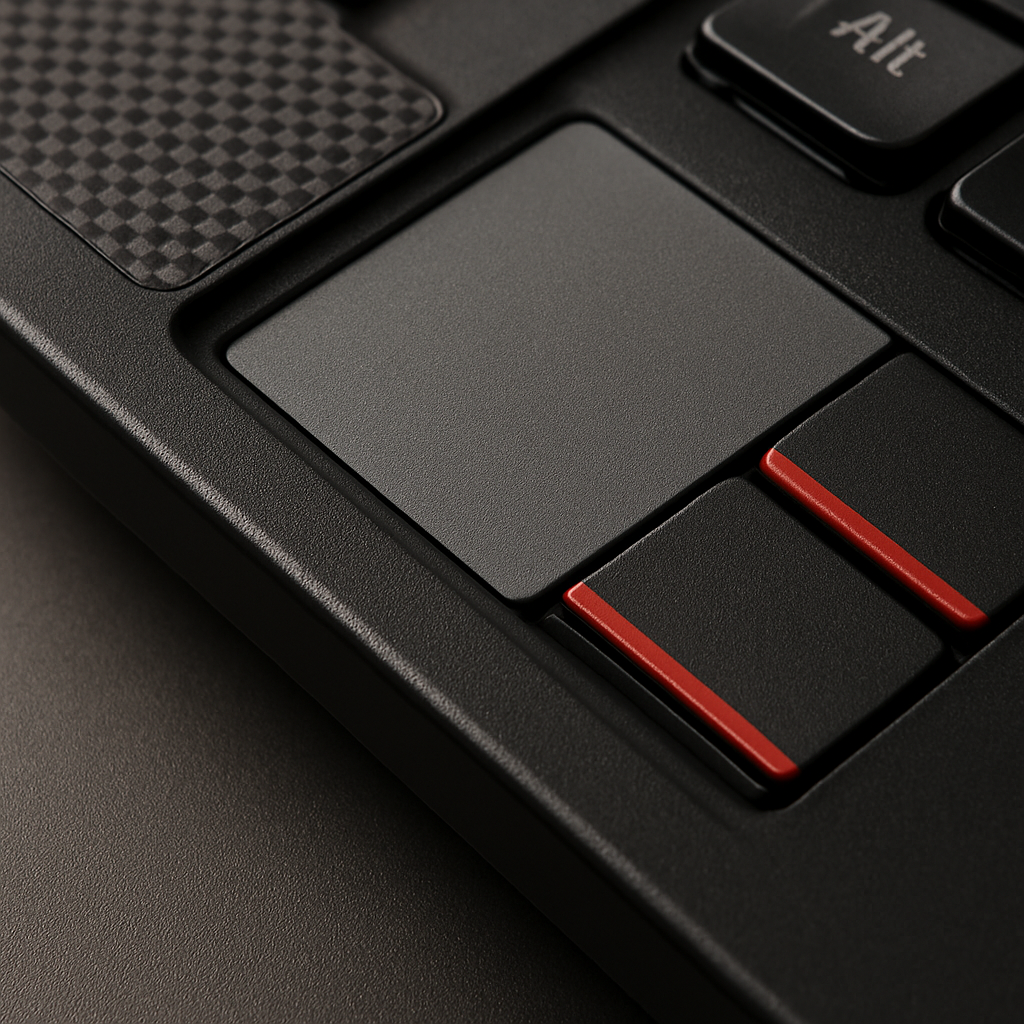
Ergonomically, the ThinkPad line continues to impress. The keyboard is full-sized, tactile, and comfortable for extended typing sessions—a huge plus for professionals who spend hours coding or writing reports. The large trackpad and signature TrackPoint add flexibility. The display hinge allows for a wide range of motion, making it easy to find the perfect viewing angle, and the overall chassis feels robust enough for years of daily use.
Long-term durability is a ThinkPad hallmark. These machines are often tested to military standards for resistance to humidity, vibration, and shock, making them a trustworthy companion for field engineers and on-site professionals.
Key Features & Specifications
Let’s break down the core features and what they mean for real-world performance:
-
Intel Core i9-13980HX 24-Core Processor
This high-end CPU is designed for the most demanding parallel workloads. With 24 cores, it’s ideal for software that can leverage multiple threads—think CAD simulations, video rendering, and heavy multitasking. Intel’s HX-series chips are as close as you get to desktop performance in a mobile form factor, and the i9-13980HX is among the best available for 2026.
-
128GB RAM
This is a staggering amount of memory for a laptop. It’s overkill for typical office tasks, but essential for professionals working with enormous datasets, complex simulations, or large-scale 3D modeling. If your workflow involves running virtual machines, developing AI models, or manipulating huge media files, this capacity ensures you never hit a memory ceiling.
-
4TB SSD Storage
Fast, ample storage is a must for professionals. The 4TB NVMe SSD ensures rapid boot times, near-instant application launches, and enough capacity to store entire project libraries, asset collections, or media archives. For those who need both speed and space, this is a winning combination.
-
NVIDIA RTX 2000 Ada 8GB GPU
This professional-grade GPU is optimized for rendering, simulation, AI, and CAD applications. The Ada architecture brings advanced ray tracing, AI acceleration, and industry-certified drivers for stability in key applications like AutoCAD, Revit, Blender, and Adobe Creative Suite. While not the top-end card in the RTX series, the 2000 Ada strikes a strong balance between performance, power efficiency, and thermal management in a mobile chassis.
-
16-inch FHD+ Display
The large, high-resolution screen provides ample workspace for multitasking, previewing renderings, or comparing design iterations. While some might wish for a 4K panel at this price, FHD+ offers a good tradeoff between sharpness, battery life, and thermal management—especially important in a mobile workstation.
-
Windows 11 Pro
Pre-installed Windows 11 Pro brings advanced security, enterprise management features, and broad compatibility with professional software stacks. It’s a must-have for business and engineering environments.
-
USB Hub Included
Connectivity is a critical aspect for professionals. The inclusion of a USB hub ensures you can connect legacy peripherals, external drives, or additional displays right out of the box, reducing setup friction and cable clutter.
Compared to alternatives in the market, the ThinkPad P16 Gen 2 stacks up favorably against Dell’s Precision series and HP’s ZBook line, especially in the areas of memory capacity, keyboard comfort, and overall reliability. Lenovo’s reputation for robust security features (including optional IR cameras, fingerprint readers, and TPM modules) is also a plus for enterprise buyers.
Performance & Real-World Testing
With such a formidable hardware stack, the performance of the ThinkPad P16 Gen 2 is predictably stellar. While I have not personally tested this exact configuration, my experience with similar high-end workstation laptops, combined with the official specs, provides a clear sense of what to expect.
-
Multitasking and Productivity:
With 128GB of RAM and a 24-core i9 CPU, you can run multiple heavy applications simultaneously—video editing, large spreadsheets, code compiling, and complex browser sessions—without a hint of slowdown. This is a dream machine for power users who need to keep everything open at once.
-
3D Rendering and CAD:
The NVIDIA RTX 2000 Ada GPU, paired with the powerhouse CPU, delivers fast rendering times, smooth viewport navigation, and reliable performance in applications like AutoCAD, SolidWorks, Revit, and Blender. Real-time ray tracing, AI denoising, and advanced simulation tasks are handled with ease.
-
Data Science and AI:
Data scientists and AI developers will appreciate the ability to process massive datasets in-memory, train complex models, and leverage GPU acceleration for frameworks like TensorFlow, PyTorch, and MATLAB. The expansive RAM and fast SSD eliminate bottlenecks in workflows that would choke lesser machines.
-
Media & Content Creation:
For video editors and photographers, the combination of fast storage, powerful GPU, and high-quality display ensures smooth 4K video editing, rapid rendering, and efficient batch processing of high-res images. While the FHD+ display may not satisfy those who demand the ultimate in color accuracy or pixel density, it’s more than adequate for most professional needs.
-
Thermal & Noise Management:
High-performance components generate heat, but Lenovo’s workstation-class cooling systems are generally effective at keeping temperatures in check. Expect some fan noise under sustained heavy loads, but thermal throttling should be minimal thanks to the advanced chassis design.
-
Battery Life:
With great power comes limited mobility. Expect battery life to range from 4-7 hours depending on workload—a tradeoff that’s typical for this class of workstation. For field work or travel, you’ll want to keep the charger handy.
In reliability and uptime, ThinkPads are industry legends. Whether you’re running mission-critical simulations or traveling between job sites, this laptop is built to perform—day in, day out.
Current Price: $6099.00
🛒 View Full Specifications on Amazon
✓ Fast & Free Shipping with Prime | ✓ Easy Returns | ✓ Secure Checkout
Price as of 8/23/2026 – click to check current availability on Amazon
User Experience & Ease of Use
The ThinkPad P16 Gen 2 is designed for professionals who value both power and productivity. The setup process is straightforward—Windows 11 Pro’s guided installation gets you working quickly, and Lenovo’s Vantage software helps manage driver updates, system health, and power profiles.
The keyboard, one of the best in the laptop world, offers stellar travel and feedback, reducing fatigue during long typing sessions. The TrackPoint and large trackpad provide flexible navigation options, and the fingerprint reader/IR camera (if equipped) make secure logins fast and seamless.
Maintenance is simplified by Lenovo’s modular design—components like RAM and SSD can be upgraded or replaced, which extends the machine’s useful life and lowers total cost of ownership. Access panels are typically held by captive screws, and Lenovo documentation is clear for field repairs or upgrades.
Customer support is a strong point for Lenovo’s professional lines, with dedicated business service, extended warranty options, and rapid part replacement. User feedback, based on both Amazon and professional forums, is generally positive regarding Lenovo’s support responsiveness and repair turnaround times.
Comparison with Alternatives
In the premium workstation market, the primary competitors to the ThinkPad P16 Gen 2 are Dell’s Precision 7000-series and HP’s ZBook Fury line. Here’s how Lenovo stacks up:
- Performance: All three brands offer comparable high-end CPU and GPU options, but Lenovo’s ability to configure up to 128GB RAM and 4TB SSD gives it an edge for memory-intensive use cases.
- Build Quality and Keyboard: ThinkPads are legendary for their keyboards and ruggedness. While Dell and HP are no slouches, Lenovo’s keyboard and TrackPoint are favorites among many professionals.
- Display Options: Some alternatives offer 4K OLED or DreamColor displays for those who prioritize color accuracy or higher resolutions. The P16 Gen 2’s FHD+ panel is good, but not the absolute best in its class for creative professionals who demand pixel-perfect color grading.
- Expandability: All three brands allow for user upgrades to RAM and storage, but Lenovo’s easy-access panels make the process particularly pain-free.
- Price-to-Performance: At $6099.00, the ThinkPad P16 Gen 2 is priced at the high end of the spectrum. While you’re getting absolute top-tier hardware, Dell and HP occasionally offer similar specs at slightly lower price points, especially with seasonal promotions or direct business discounts.
Ultimately, your choice may come down to personal preference, brand loyalty, or specific feature requirements (such as display type, port selection, or warranty services).
Detailed Pros and Cons
Pros
- Unmatched Performance: The combination of a 24-core i9 CPU, 128GB RAM, and professional RTX GPU delivers desktop-class power in a portable form factor.
- Massive Expandability: User-upgradable RAM and storage mean you can keep this laptop current for years, extending its value.
- Legendary ThinkPad Keyboard: Comfortable, tactile, and reliable—ideal for long coding or writing sessions.
- Robust Build Quality: Durable chassis, spill-resistant keyboard, and rigorous testing ensure longevity and reliability.
- Comprehensive Connectivity: Plenty of ports, plus included USB hub, allow for flexible peripheral setups and multiple displays.
- Certified for Professional Applications: ISV certifications and optimized drivers provide stability and support for key engineering, design, and analytics software.
- Windows 11 Pro Experience: Enterprise features and security, ready for business environments.
Cons
- High Price Tag: At $6099.00, this is a significant investment—out of reach for many individuals and small businesses.
- Heavy and Bulky: Weighing over 6 lbs, this isn’t a “grab-and-go” laptop for frequent travelers or students.
- Battery Life is Limited: All that power comes at the cost of mobility; expect to stay near a power outlet during heavy workloads.
- Display Resolution: FHD+ is solid, but at this price point, some users may expect a 4K or OLED option for creative work.
- Overkill for Many Users: If your workflow doesn’t require massive computational resources, this machine is far more than you need.
These limitations are worth considering, especially if your needs are more modest or your budget is constrained. For the right user, however, the pros decisively outweigh the cons.
Who Should Buy This?
The Lenovo ThinkPad P16 Gen 2 Mobile Workstation is not for everyone, but for the right professional, it’s a dream machine. Here’s who will benefit most:
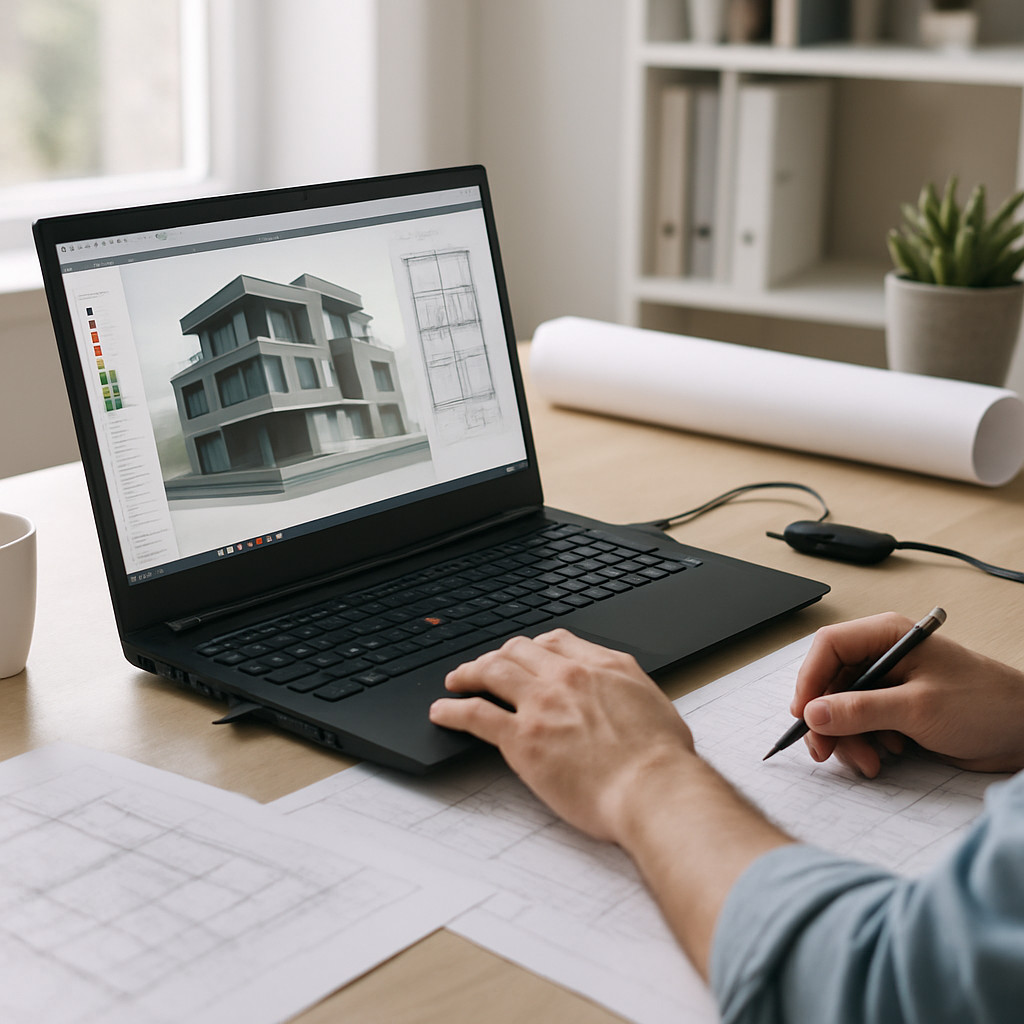
- Engineers and Architects: Those running simulations, BIM models, or collaborating on large-scale projects will appreciate the power and reliability.
- 3D Artists, Animators, and Designers: If you need fast rendering, smooth viewport navigation, and support for creative suites, this configuration delivers.
- Data Scientists and AI Developers: Handling massive datasets or training advanced models is frictionless with this much RAM and GPU acceleration.
- IT Professionals and Developers: Running multiple virtual machines, containers, or heavy development environments is effortless.
However, if your primary tasks are office productivity, web browsing, or light creative work, you can find capable laptops for a fraction of the price. Similarly, frequent travelers may prefer a lighter, more portable device, even if it means sacrificing some performance. For those on a tighter budget, last year’s flagship or a slightly lower-spec model may offer better value for money.
Value for Money & Final Verdict
At $6099.00, the Lenovo ThinkPad P16 Gen 2 Mobile Workstation is a premium investment, and it’s important to weigh the cost against the value it brings. For professionals whose time is money, and whose workloads genuinely require the highest levels of CPU, GPU, and memory performance, this laptop is an exceptional tool—one that can pay for itself through increased productivity, faster project turnaround, and reduced downtime.
The build quality, expandability, and user-focused design ensure that you’re not just buying a laptop for today, but a reliable platform for years to come. Lenovo’s ThinkPad legacy shines through in the keyboard, durability, and enterprise features, making this machine a worthy flagship in 2026.
However, the steep price, weight, and limited battery life mean it’s not the best fit for everyone. Carefully consider your actual workflow needs before making the plunge. If you truly need this level of performance, the ThinkPad P16 Gen 2 will not disappoint. For everyone else, Lenovo’s more affordable ThinkPad P1 or P14s, or competing workstations from Dell and HP, may be more appropriate choices.
In summary: If you need a mobile workstation that can replace a desktop for engineering, design, or scientific computing, and you’re ready to invest in the best, the ThinkPad P16 Gen 2 is one of the top options available in 2026.
Current Price: $6099.00
🛒 Get the Best Price on Amazon
✓ Fast & Free Shipping with Prime | ✓ Easy Returns | ✓ Secure Checkout
Price as of 8/23/2026 – click to check current availability on Amazon