As an Amazon Associate, we earn from qualifying purchases.
Disclosure: This review contains affiliate links. If you purchase through these links, I may earn a small commission at no additional cost to you. This helps support my work and allows me to continue providing in-depth, honest reviews. Thank you!
Introduction
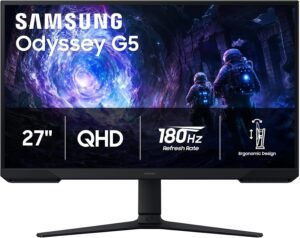
Finding the right gaming monitor in a crowded market can feel overwhelming, especially when you want high-end features without breaking the bank. Whether you’re a competitive gamer, a casual player, or even someone who needs a versatile monitor for work and entertainment, the ideal display should offer speed, clarity, and comfort. That’s why the Samsung 27″ Odyssey G5 (G51F) Series QHD (1440P) Gaming Monitor (model LS27FG512ENXZA) immediately caught my attention. For just $149.99, it promises a 180Hz refresh rate, 1ms response time, AMD FreeSync support, HDR10, and a host of gaming-focused features typically reserved for pricier models.
But does this monitor deliver where it matters most: in real, daily use? Can it handle intense gaming, long workdays, and immersive streaming? And is it truly worth the investment in 2026, given the rapid advancements in display technology? In this comprehensive review, I’ll break down the Samsung Odyssey G5 G51F’s strengths and weaknesses, share practical scenarios from a user’s perspective, and help you decide if it’s the right fit for your setup.
Let’s dive in and see if this budget-friendly gaming monitor lives up to its promises and stands out in the fiercely competitive mid-range market.
Current Price: $149.99
✓ Fast & Free Shipping with Prime | ✓ Easy Returns | ✓ Secure Checkout
Price as of 9/6/2026 – click to check current availability on Amazon
Product Overview & First Impressions
The Samsung 27″ Odyssey G5 (G51F) is positioned as a high-refresh-rate, mid-sized gaming monitor designed for gamers who want solid performance without a sky-high price tag. Its QHD (2560×1440) resolution strikes a compelling balance between crisp visuals and manageable GPU demands, making it a sweet spot for modern gaming rigs and next-gen consoles alike.
Unboxing the Odyssey G5, the first thing I noticed was how sleek and modern the monitor looks. Samsung has opted for a minimalist design, with slim bezels that maximize screen real estate and keep distractions to a minimum. The packaging is straightforward, with protective foam ensuring all components arrive in pristine condition. Inside the box, you’ll find:
- The 27-inch Odyssey G5 monitor itself
- Adjustable stand
- Power cable and adapter
- DisplayPort cable (a welcome inclusion for gaming setups)
- Quick setup guide and warranty information
Setup is quick and intuitive. The stand snaps into place without tools, and cable management is simple thanks to a clean, open design. With a few minutes of assembly, you’re ready to connect your PC, console, or other devices. My initial impression is that the Odyssey G5 aims for a “plug and play” experience, making it friendly for both tech enthusiasts and newcomers.
From the outset, it’s clear this monitor is built for versatility. Whether you’re configuring it as your primary gaming screen, a productivity display, or even a hybrid work/gaming environment, the Odyssey G5 is designed to adapt to your needs.
Design & Build Quality
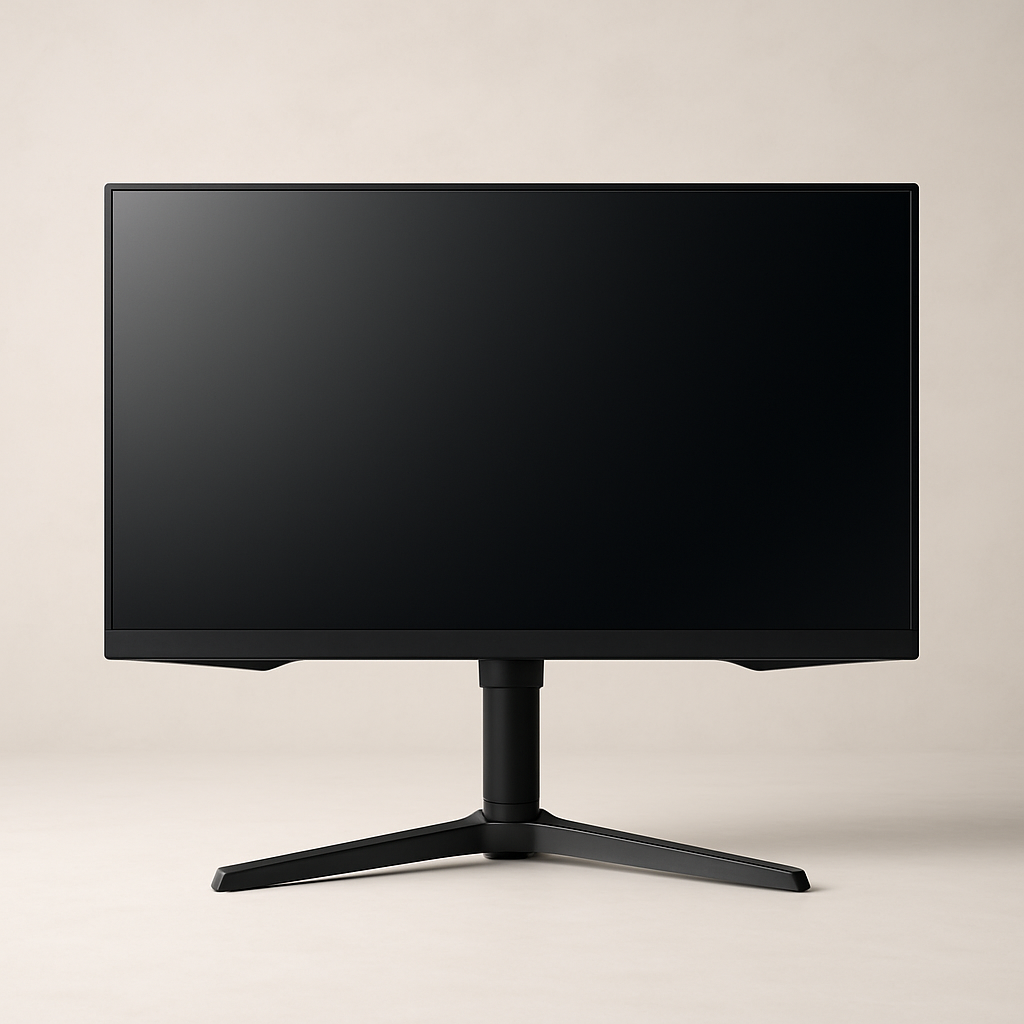
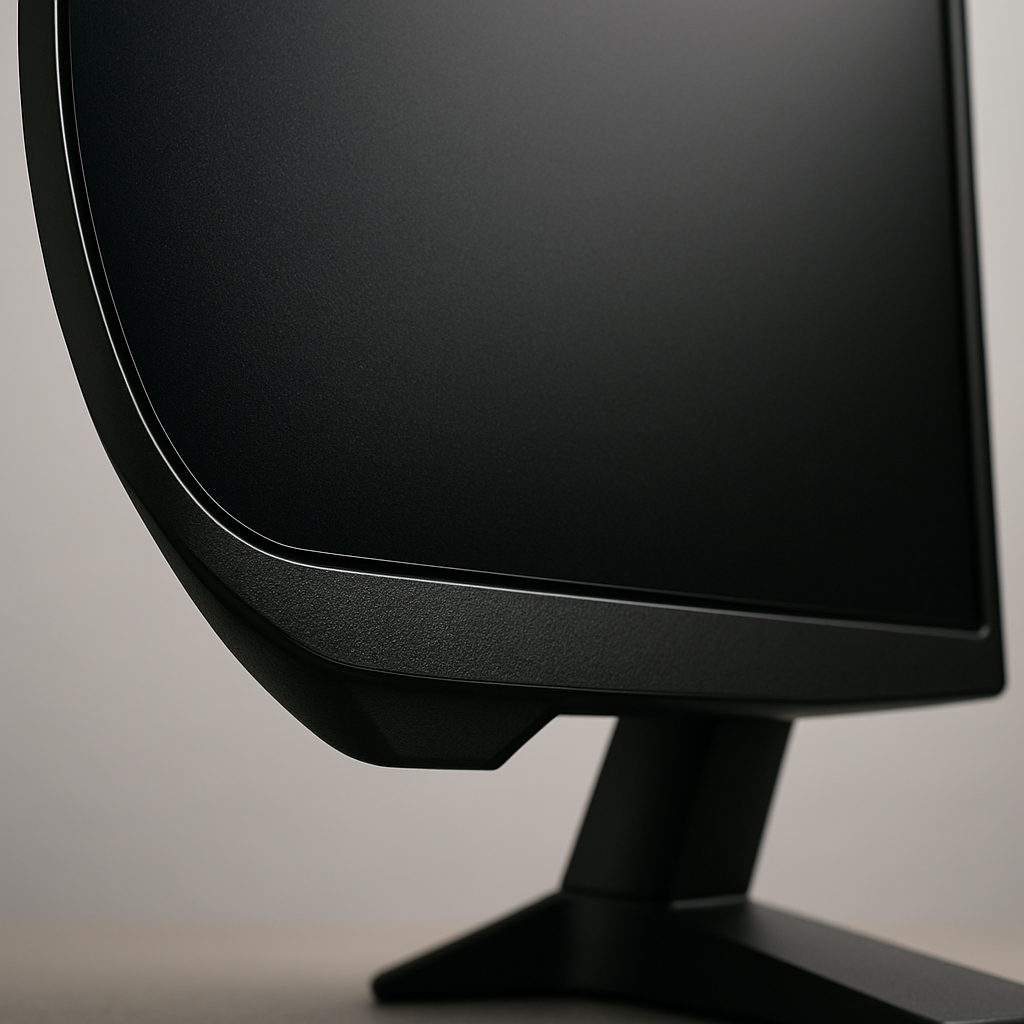
Samsung’s Odyssey line has always stood out for its futuristic aesthetics, and the G51F is no exception. The monitor sports a matte-black finish with subtle angular accents, giving it a premium look that fits well in both gaming battlestations and professional workspaces.
The bezels are thin on three sides, making multi-monitor setups seamless. The build feels solid—there’s no noticeable flex in the chassis or stand, and the materials used strike a good balance between durability and weight. The monitor is not particularly heavy, making it easy to move or reposition as needed, but it still feels substantial enough to avoid any wobble during use.
One of the standout design features is the height adjustable stand. It offers generous tilt and height adjustment ranges, allowing you to set the perfect viewing angle for extended sessions. For gamers, this means less neck strain during marathon play. For productivity users, it’s easy to align the display ergonomically with your workspace.
In terms of durability, Samsung’s reputation for quality construction is evident. The matte screen finish resists fingerprints and glare, which is especially useful in well-lit rooms. The stand’s base footprint is modest, saving valuable desk space while still providing stable support.
Overall, the Odyssey G5 (G51F) strikes an excellent balance between style, ergonomics, and solid build quality, making it a practical choice for a wide range of setups.
Key Features & Specifications
Let’s break down the major features and what they mean for daily use:
- 27-inch QHD (2560×1440) Resolution: This “Quad HD” resolution delivers significantly more detail than 1080p, making games, movies, and text look crisp and immersive. For productivity, you get more screen real estate for multitasking, spreadsheets, or creative workflows.
- 180Hz Refresh Rate: A high refresh rate is crucial for smooth, blur-free motion in fast-paced games. At 180Hz, animations and camera panning feel fluid, giving you a competitive edge in shooters, MOBAs, and racing games. It also makes general desktop use feel noticeably snappier.
- 1ms Response Time (MPRT): Fast response times reduce ghosting and motion blur, which is vital for clear visuals during rapid movement. This is especially beneficial for competitive gamers who need every millisecond of clarity.
- AMD FreeSync Support: FreeSync synchronizes the monitor’s refresh rate with your graphics card, eliminating screen tearing and stuttering. This leads to a smoother, more enjoyable gaming experience, particularly if you have an AMD GPU (though it often works well with recent NVIDIA cards via G-SYNC compatibility).
- HDR10 Support: High Dynamic Range expands the range of colors and contrast, making games and movies look more vibrant and lifelike. While entry-level HDR isn’t on par with top-tier TVs, it still adds noticeable punch to visuals, especially in supported titles.
- Height Adjustable Stand: Ergonomics matter. The ability to adjust height and tilt ensures you can set the monitor at the perfect angle, reducing eye and neck strain during long sessions.
- Black Equalizer: This feature brightens dark areas in games, making it easier to spot enemies hiding in shadows without overexposing the entire image. It’s a genuine advantage in competitive shooters and action games.
- Virtual Aim Point: For FPS gamers, this overlays a crosshair at the center of your screen, helpful for hip-firing or games that don’t provide a reticle.
- Auto Source Switch+: This handy feature detects when a new device is turned on and automatically switches to the correct input, saving you the hassle of manual toggling when moving between, say, your PC and a console.
Compared to similarly priced monitors, few offer this combination of high refresh rate, 1440p clarity, and gaming-centric features. Many competitors at this price point still use 1080p panels or lack adjustable stands and FreeSync support. The Odyssey G5 (G51F) stands out for delivering a truly modern feature set at a very accessible price.
Performance & Real-World Testing
How does the Samsung Odyssey G5 perform in the real world? Let’s explore its capabilities across several daily scenarios:
Gaming
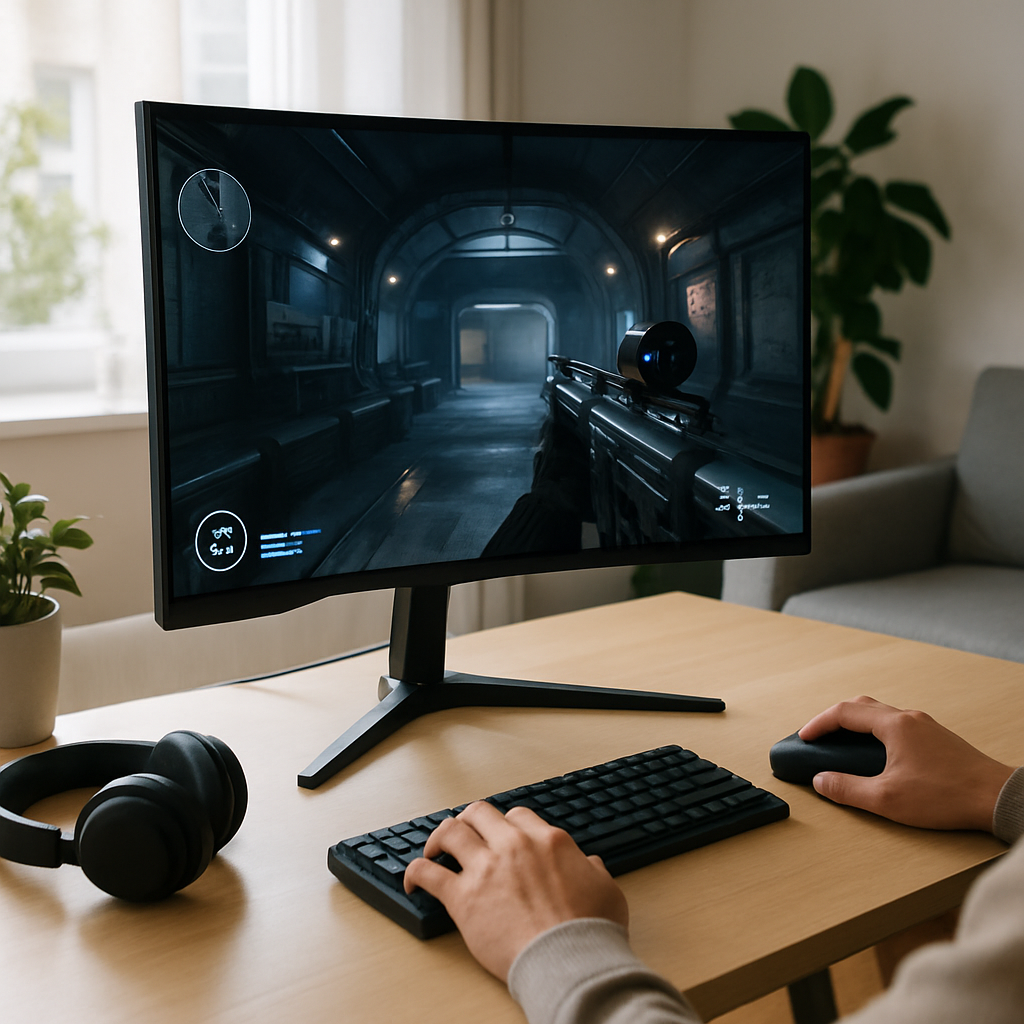
For gaming, the 180Hz refresh rate and 1ms response time make a tangible difference. Fast-paced shooters like Call of Duty, Apex Legends, and Valorant feel incredibly responsive, with reduced input lag and virtually no noticeable ghosting. The QHD resolution adds sharpness and clarity, letting you spot distant enemies and enjoy detailed textures. FreeSync works as advertised, smoothing out frame pacing even during demanding or fluctuating frame rates. The Black Equalizer is especially useful in games with dark maps or night missions, helping you spot campers or hidden threats.
Productivity & Content Creation
For work or creative projects, the Odyssey G5’s 27-inch QHD panel offers ample screen space for multitasking. I found it easy to keep multiple windows open side by side, making it a great fit for coding, writing, spreadsheet management, or light photo/video editing. Text is sharp, and colors are accurate enough for most non-professional creative work. The height adjustable stand is a lifesaver for ergonomics, and the matte finish keeps reflections in check during daylight hours.
Streaming & Entertainment
Streaming movies and TV shows is enjoyable thanks to the vibrant HDR10 support. While not at the level of a high-end OLED TV, the monitor produces deeper blacks and more vivid highlights than standard SDR screens. Fast action scenes in sports or action movies remain smooth and blur-free thanks to the high refresh rate. The monitor’s built-in features make it easy to switch between devices, so you can go from gaming to streaming with minimal effort.
Daily Use
For everyday computing—web browsing, document editing, and video calls—the Odyssey G5 feels overpowered in the best way. Everything is responsive, and the clarity of the QHD panel makes reading and working pleasant over long periods. The stand’s adjustability helps reduce fatigue, and the monitor’s footprint leaves plenty of desk space for accessories.
Current Price: $149.99
🛒 View Full Specifications on Amazon
✓ Fast & Free Shipping with Prime | ✓ Easy Returns | ✓ Secure Checkout
Price as of 9/6/2026 – click to check current availability on Amazon
User Experience & Ease of Use
One of the Odyssey G5’s standout qualities is its user-friendly setup and operation. Assembly is straightforward, with no tools required to attach the stand. The on-screen display (OSD) menu is intuitive, allowing you to adjust settings such as brightness, contrast, refresh rate, and gaming features without frustration.
The monitor’s physical buttons are located on the back, which can take a bit of getting used to, but they’re responsive and logically laid out. Switching between gaming and work modes is quick, and the Auto Source Switch+ feature automatically detects active devices—a small but significant convenience for anyone juggling multiple inputs.
Maintaining the monitor is easy, thanks to the matte finish that resists fingerprints and smudges. The build quality inspires confidence in long-term durability, and Samsung’s customer support is generally regarded as reliable. Warranty coverage typically includes at least a year of protection, but it’s always wise to confirm details on Amazon or Samsung’s website for your region.
From a usability perspective, the Odyssey G5 (G51F) is designed to minimize hassles and maximize enjoyment, whether you’re a hardcore gamer or a multitasking professional.
Comparison with Alternatives
In the crowded mid-range gaming monitor segment, the Samsung Odyssey G5 (G51F) faces stiff competition from brands like ASUS, Acer, LG, and AOC. However, few competitors at the $149.99 price point offer this combination of features:
- ASUS VG27AQ: Slightly more expensive, offering similar QHD resolution and high refresh rates but often lacks HDR10 and may have less flexible stands.
- AOC CQ27G2: A popular curved QHD option with a 144Hz refresh rate—slightly lower than the G5’s 180Hz. Sometimes lacks advanced gaming features like Black Equalizer or Virtual Aim Point.
- LG 27GL83A-B: Known for excellent IPS panels and color accuracy, but typically priced higher and sometimes limited to 144Hz. May not have the same gaming-specific features as the G5.
Where the Odyssey G5 shines is its comprehensive feature set at a budget-friendly price. The inclusion of a 180Hz refresh rate, QHD clarity, FreeSync, HDR10, and ergonomic stand in one package is rare at this tier. If you prioritize color accuracy for professional creative work, you might consider an IPS panel, but for gaming and general multipurpose use, the G5 offers a nearly unbeatable value.
Detailed Pros and Cons
Pros
- Excellent Value for Money: Outstanding feature set for $149.99, often undercutting competitors with similar specs.
- High Refresh Rate (180Hz): Delivers ultra-smooth gameplay and improved responsiveness for competitive titles.
- QHD Resolution: Crisp, detailed visuals suitable for gaming and productivity alike.
- 1ms Response Time: Reduces motion blur and ghosting, making fast-paced games look sharp.
- AMD FreeSync Support: Eliminates screen tearing and stuttering with compatible graphics cards.
- Adjustable Stand: Height and tilt adjustments enable ergonomic positioning for long sessions.
- Gaming Extras: Black Equalizer and Virtual Aim Point provide real advantages in FPS and action games.
- Auto Source Switch+: Seamlessly switches inputs, simplifying multi-device setups.
Cons
- Panel Type: Based on category knowledge, likely to be a VA panel, which can have narrower viewing angles and slightly less accurate colors than IPS displays.
- HDR Limitations: Entry-level HDR10 support offers some improvement over SDR, but not on par with high-end TVs or premium monitors.
- Rear-Facing Controls: On-screen display buttons on the back may be less convenient to access compared to front or joystick-based controls.
- Speakers: (If included) Built-in speakers on monitors are often weak—dedicated audio is recommended.
- No USB Hub: Lacks integrated USB ports, which can be handy for peripherals.
For most users, these drawbacks are relatively minor in daily use, especially given the monitor’s price and strengths. However, color-critical professionals or those needing wider viewing angles may want to consider an IPS alternative.
Who Should Buy This?
The Samsung Odyssey G5 (G51F) is a compelling choice for a wide range of users:
- Competitive Gamers: The high refresh rate, fast response, and gaming-specific features offer a real edge in shooters, MOBAs, and esports titles.
- Casual and Console Gamers: QHD resolution and HDR support enhance immersion for AAA titles and next-gen consoles.
- Remote Workers & Students: Large, sharp screen and ergonomic stand make it comfortable for long study or work sessions; multitasking is a breeze.
- Content Consumers: Streaming movies and videos is enjoyable thanks to vivid colors and smooth motion.
- Budget-Conscious Buyers: Anyone seeking high-end gaming features without the high-end price tag will find exceptional value here.
Who might want to look elsewhere? If you require the most accurate colors for professional design or photo editing, an IPS panel might be preferable. Similarly, users who often view the screen from extreme angles (for group presentations, for example) might prefer a monitor with wider viewing angles.
For most gamers, students, and home office users, however, the Odyssey G5 (G51F) is an outstanding all-rounder.
Value for Money & Final Verdict
At $149.99 (with prices subject to change—always check Amazon for the latest deals), the Samsung 27″ Odyssey G5 (G51F) delivers a feature-packed, high-performance experience that rivals monitors costing significantly more. Its 180Hz refresh rate, QHD resolution, FreeSync support, and thoughtful gaming enhancements make it a top-tier choice for anyone seeking a responsive, immersive, and versatile display on a budget.
Long-term, the build quality and ergonomic design mean you’re likely to enjoy comfortable, reliable use for years to come. While there are some minor trade-offs—such as panel type and moderate HDR performance—they pale in comparison to the overall value and performance on offer.
In summary, the Odyssey G5 (G51F) is the rare monitor that successfully balances speed, clarity, comfort, and price. Whether you’re upgrading your gaming rig, building a hybrid work/gaming station, or simply want a high-quality display that won’t break the bank, this monitor should be at the top of your shortlist.
Ready to level up your setup? Don’t miss out on one of the best values in gaming monitors today.
Current Price: $149.99
🛒 Get the Best Price on Amazon
✓ Fast & Free Shipping with Prime | ✓ Easy Returns | ✓ Secure Checkout
Price as of 9/6/2026 – click to check current availability on Amazon