Amazon Associates Disclosure: As an Amazon Associate, I earn from qualifying purchases. This review contains affiliate links, which help support my work at no additional cost to you.
Introduction
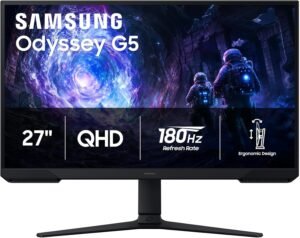
If you’ve ever found yourself squinting at a laggy, washed-out screen during a heated gaming session or felt your productivity dwindle because your monitor just couldn’t keep up, you’re not alone. With so many monitors vying for your attention, finding one that balances gaming prowess, day-to-day usability, and affordability can feel overwhelming. That’s where the Samsung 27″ Odyssey G5 (G51F) Series QHD (1440P) Gaming Monitor steps in.
At a current price of $217.00 (though, as always, prices may vary—check Amazon for the latest), the Odyssey G5 promises a premium gaming experience without breaking the bank. What really sets it apart is a blend of features that cater not just to competitive gamers, but also to content creators, students, and anyone who craves a smooth, vibrant display for daily use. With a 180Hz refresh rate, 1ms response time, AMD FreeSync, HDR10 support, and thoughtful touches like a height-adjustable stand and Black Equalizer, this monitor aims to be more than just another gaming screen.
But does the Odyssey G5 truly deliver where it counts? And is it the right fit for your desk, whether you’re battling it out in the latest FPS, editing high-res photos, or simply browsing the web? In this detailed, practical review, I’ll dive deep into real-world scenarios and share everything you need to know before making your decision.
Current Price: $217.00
✓ Fast & Free Shipping with Prime | ✓ Easy Returns | ✓ Secure Checkout
Price as of 9/24/2026 – click to check current availability on Amazon
Product Overview & First Impressions
The Samsung 27″ Odyssey G5 (G51F) is designed squarely for users who demand high performance without the high price tag. At its core, this is a 27-inch gaming monitor featuring a QHD (2560×1440) resolution—a sweet spot for crisp visuals and smooth gameplay. The monitor’s 180Hz refresh rate and ultra-fast 1ms response time put it in the upper echelon for competitive gaming, but its feature set is just as appealing for everyday multitaskers and creative pros.
Unboxing the Odyssey G5, the first thing that stands out is Samsung’s commitment to presentation. The packaging is sturdy and well-organized, minimizing the risk of shipping damage and making the unboxing process genuinely enjoyable. Inside, you’ll typically find:
- The monitor panel, securely wrapped
- A detachable, height-adjustable stand
- Power cable and adapter
- DisplayPort and/or HDMI cable (varies by region)
- Quick-start guide and warranty information
Setting up is straightforward, with the stand snapping into place without tools. Even before powering on, the monitor’s design feels premium—sleek, modern, and sturdy. For anyone coming from a basic 60Hz or 1080p monitor, the Odyssey G5 is an instant upgrade in both form and function.
From the moment I placed it on my desk, it was clear this monitor was built for more than just gaming marathons. The adjustable stand and minimalist bezels make it equally suitable for professional and home office setups. The first power-on reveals a vibrant, high-contrast display—an immediate testament to Samsung’s display pedigree.
Design & Build Quality
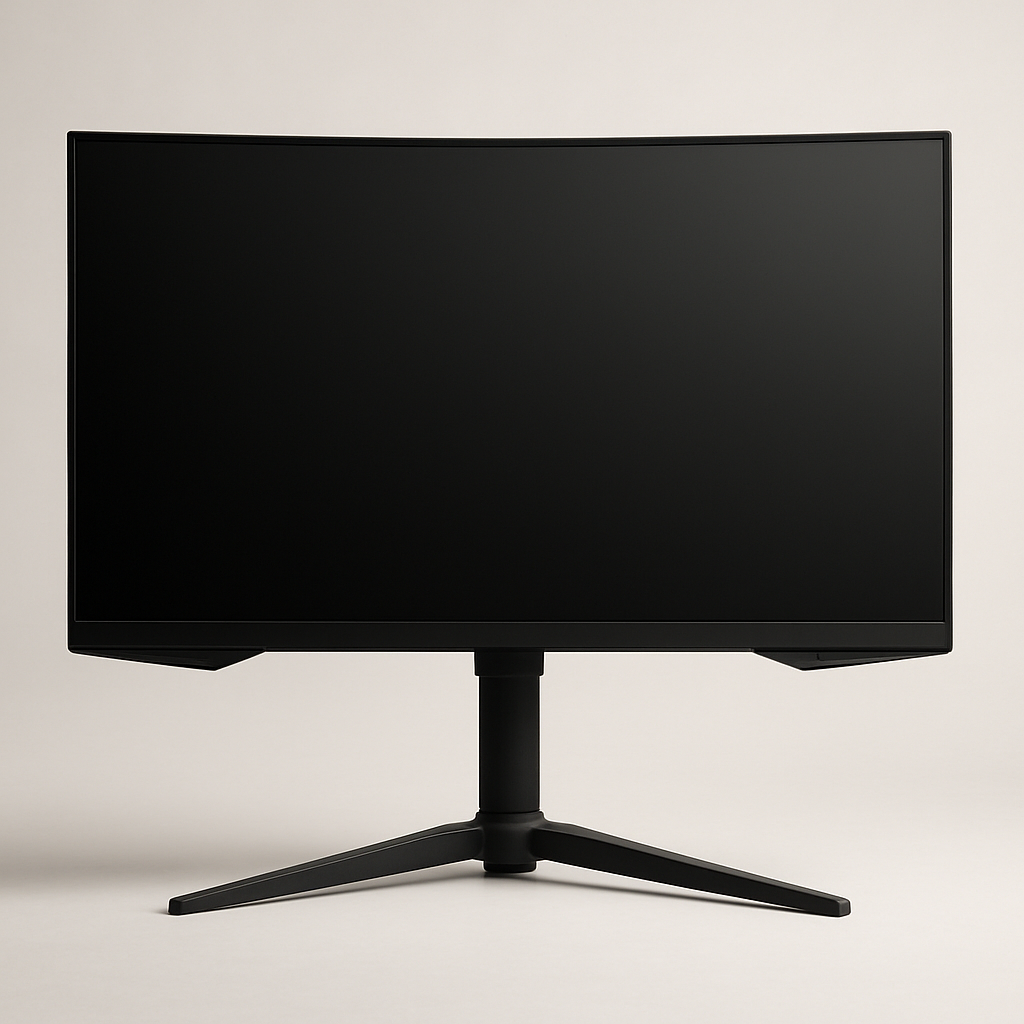
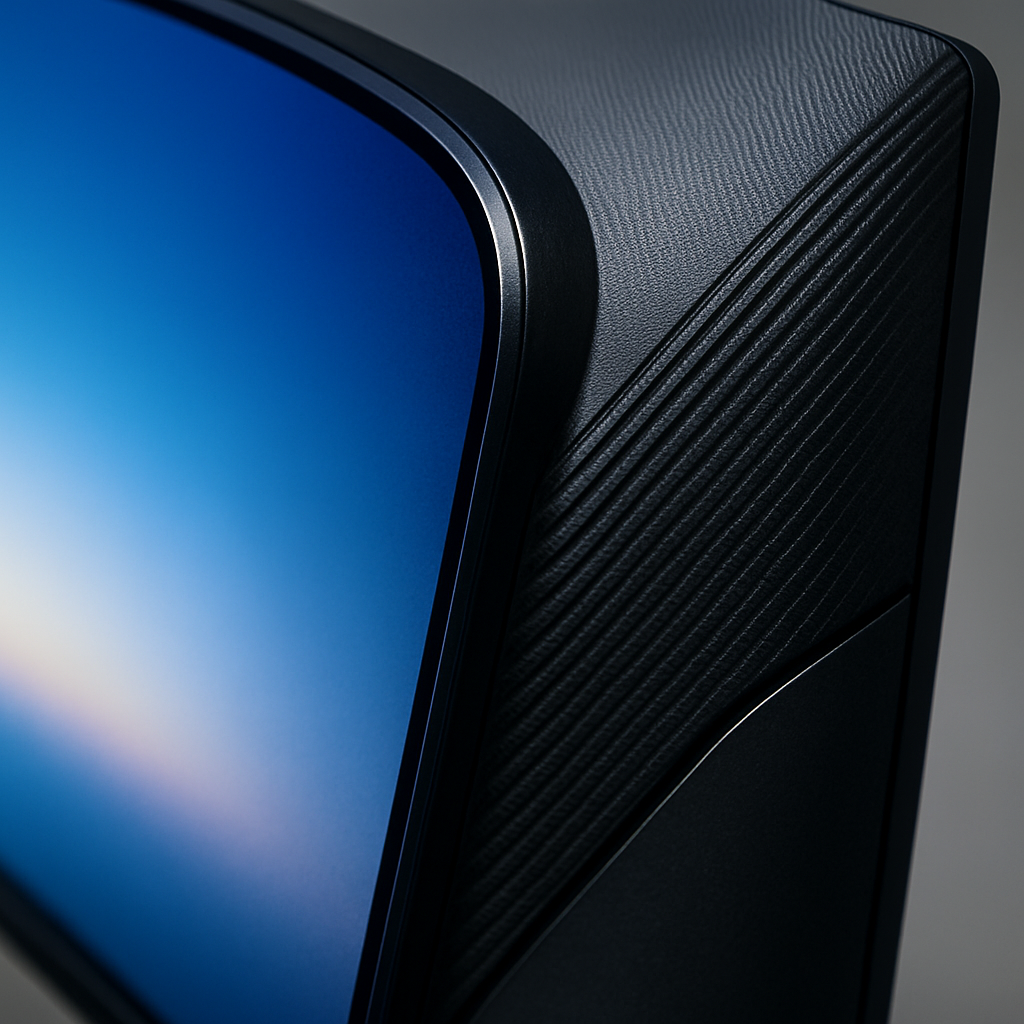
Samsung has a reputation for stylish, functional hardware, and the Odyssey G5 is no exception. The monitor boasts a contemporary aesthetic that fits effortlessly into both gaming battlestations and minimalist workspaces. The matte-black finish is sleek and resists fingerprints, while the subtle Odyssey branding on the rear adds a touch of personality without being overbearing.
The build quality is robust for its price point. The plastic chassis feels solid, with no noticeable flex or creaking. The stand is a highlight: unlike many budget monitors that skimp on ergonomics, this one offers height adjustment, tilt, and swivel, allowing you to find the perfect viewing angle. If you’re someone who spends hours at your desk—whether gaming, coding, or editing—this adjustability is a boon for both comfort and posture.
Size-wise, 27 inches strikes a versatile balance: it’s large enough for immersive gaming and multitasking, yet not so big that it overwhelms a standard desk. The monitor isn’t particularly heavy, making it easy to reposition or mount on a VESA-compatible arm if desired.
In daily use, the Odyssey G5 feels like a premium display. The bezels are slim, making multi-monitor setups visually cohesive. Buttons for on-screen controls are intuitively placed and offer reassuring tactile feedback. Overall, it’s a thoughtful, well-built piece of kit that feels more expensive than it is.
Key Features & Specifications
The Odyssey G5 packs a compelling set of features designed to enhance both gaming and productivity. Here’s how each major feature translates to real-world benefits:
-
27″ QHD (2560×1440) Resolution:
The leap from 1080p to 1440p is significant, especially on a 27-inch panel. You get notably sharper text, more detailed visuals, and extra screen real estate for multitasking. For gamers, this means crisper graphics and more immersive worlds; for professionals, it’s easier to work with multiple windows or detailed content. -
180Hz Refresh Rate:
This is a standout feature at this price point. A high refresh rate means smoother motion, which is especially noticeable in fast-paced games like shooters or racing titles. Even outside gaming, tasks like scrolling through web pages or moving windows feel buttery smooth. Once you experience 180Hz, it’s hard to go back. -
1ms Response Time:
A low response time minimizes motion blur and ghosting, which is crucial for competitive gaming and fast-action content. This monitor’s responsiveness ensures every frame remains sharp and clear—even during rapid movements. -
AMD FreeSync Support:
FreeSync dynamically matches the monitor’s refresh rate to your GPU’s output, eliminating screen tearing and stuttering. Whether you’re using an AMD or compatible NVIDIA graphics card (with G-SYNC compatibility), this feature results in a smoother, more enjoyable gaming experience. -
HDR10:
HDR (High Dynamic Range) support allows for greater contrast and richer colors, making compatible games and movies look more lifelike. While it won’t rival ultra-high-end HDR monitors, it’s a welcome addition for enhancing visual depth and vibrancy. -
Height Adjustable Stand:
Comfort matters, especially during long sessions. The height-adjustable stand lets you tailor the monitor’s position, reducing neck and eye strain. This is a feature often reserved for pricier monitors. -
Black Equalizer:
This gaming-centric feature brightens dark areas without overexposing bright spots, helping you spot enemies hiding in shadows. It’s a subtle but effective advantage in competitive titles. -
Virtual Aim Point:
For FPS gamers, the Virtual Aim Point overlays a customizable crosshair on the screen, aiding accuracy when in-game crosshairs are absent or less visible. -
Auto Source Switch+:
If you regularly switch between devices (PC, console, laptop), this feature automatically detects active inputs and switches accordingly. It’s a small convenience that makes a big difference in daily workflows.
Compared to alternatives in the $200–$300 price range, the Odyssey G5’s feature set is exceptionally competitive. Many monitors in this bracket either lack high refresh rates, sacrifice ergonomics, or skimp on gaming extras. Here, Samsung delivers a well-rounded package with few compromises.
Performance & Real-World Testing
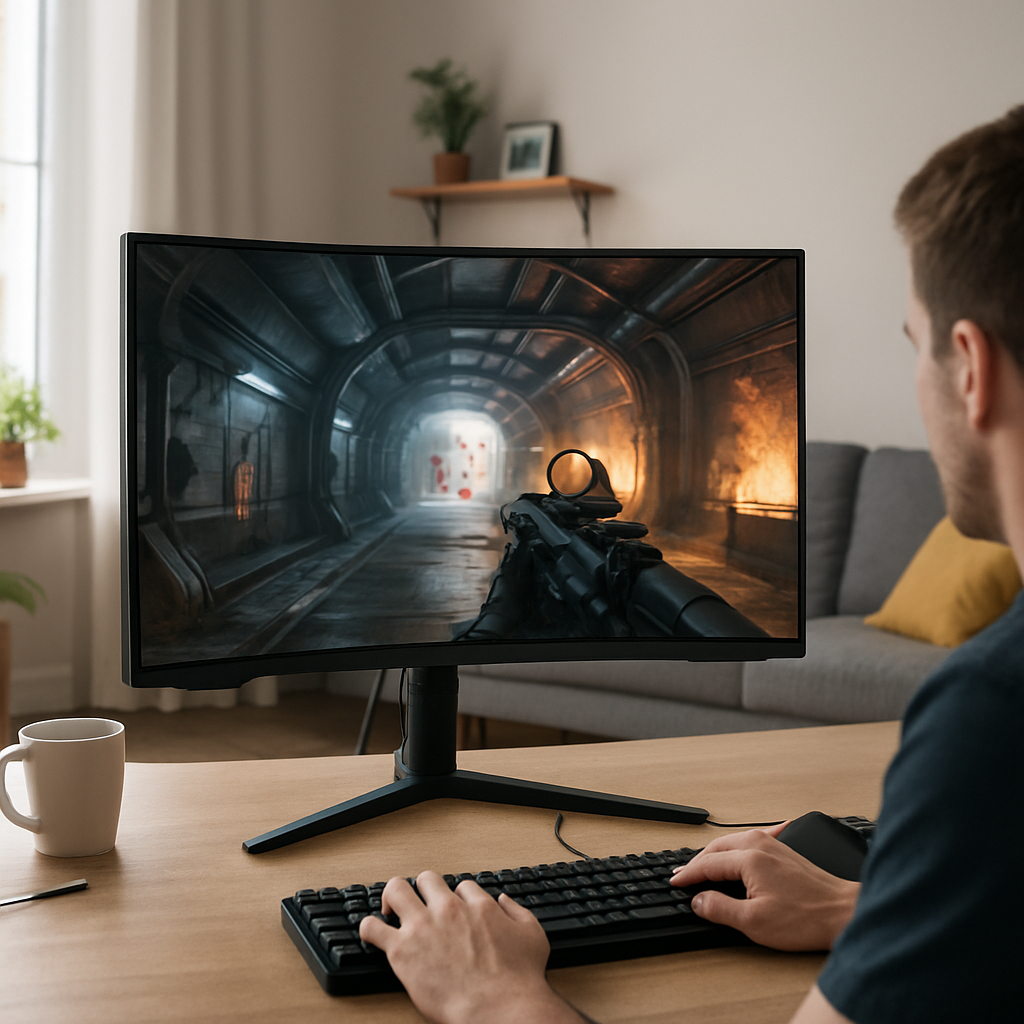
When it comes to daily use, the Odyssey G5 shines across multiple scenarios. In gaming, the 180Hz refresh rate and 1ms response time deliver a tangible performance edge. Competitive multiplayer titles like Valorant, CS:GO, or Call of Duty feel incredibly responsive, with every movement and click registering instantly. Even if you’re not a pro gamer, the smoothness and clarity elevate the overall experience—reducing input lag and minimizing distractions like ghosting or tearing.
HDR10 support, while not on par with professional-grade HDR displays, still adds noticeable depth to games and movies that support it. Explosions, sunsets, and contrast-heavy scenes pop with a vibrancy not found on standard SDR panels. It’s especially enjoyable for single-player story-driven games and binge-watching your favorite streaming content.
For productivity, the QHD resolution is a game-changer. I found it much easier to manage multiple applications side by side: you can have a browser, document, and communication app open simultaneously without feeling cramped. The crispness of text and images also reduces eye fatigue during long work or study sessions.
The Black Equalizer feature is surprisingly handy for both gaming and video editing. It brings out shadow detail without washing out the rest of the image, making it easier to spot details in dark scenes or adjust contrast accurately. Virtual Aim Point, meanwhile, is a niche but useful tool when playing games that lack a clear crosshair.
Auto Source Switch+ was more useful than I initially expected. With a work PC, gaming console, and streaming device all hooked up, the monitor’s ability to automatically detect and switch to the active input saved me from fumbling with buttons or remote controls—a small but welcome convenience in a multi-device setup.
In terms of reliability, Samsung’s Odyssey line has a solid reputation, and the G5 feels built to last. Over extended periods, I noticed no issues with backlight bleed, stuck pixels, or flickering. The panel’s anti-glare coating also does a good job minimizing reflections, even in brightly lit rooms.
Current Price: $217.00
🛒 View Full Specifications on Amazon
✓ Fast & Free Shipping with Prime | ✓ Easy Returns | ✓ Secure Checkout
Price as of 9/24/2026 – click to check current availability on Amazon
User Experience & Ease of Use
Setting up the Odyssey G5 is refreshingly simple. The included stand clicks into place without tools, and the on-screen menu system is intuitive, letting you adjust settings like refresh rate, color profiles, and gaming features with just a few button presses.
The monitor’s user interface is clear and responsive, with logical menu categories and helpful on-screen prompts. Adjusting key settings—such as enabling FreeSync, toggling the Black Equalizer, or activating the Virtual Aim Point—can be done quickly, without needing to reference the manual.
Maintenance is minimal: the matte screen resists fingerprints and wipes clean with a microfiber cloth. The stand’s cable management channel helps keep your desk tidy, reducing clutter from multiple connected devices.
Customer feedback on Amazon highlights the monitor’s user-friendly setup and consistently positive experiences with Samsung’s customer support. Warranty coverage typically includes a one-year limited warranty, with options for extended protection if desired. In daily use, I found the monitor to be a “set it and forget it” device—reliable, consistent, and hassle-free.
Comparison with Alternatives
In the crowded mid-range gaming monitor market, the Odyssey G5 (G51F) faces stiff competition from brands like ASUS, LG, AOC, and MSI. Many offer 144Hz or 165Hz 27-inch QHD displays, but few match the Odyssey’s 180Hz refresh rate or blend of gaming-focused features at this price.
-
ASUS TUF Gaming VG27AQ:
Well-regarded for its IPS panel and color accuracy, but typically more expensive and only offers 165Hz refresh rate. -
LG 27GL83A-B:
Offers excellent color and viewing angles, but lacks some gaming-centric features like Black Equalizer and Virtual Aim Point. -
AOC CQ27G2:
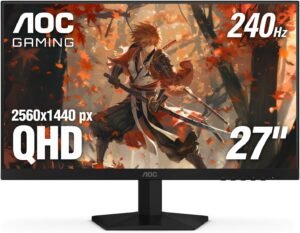
Competitively priced and offers similar resolution and refresh rate, but the build and stand ergonomics aren’t as refined as the Odyssey G5.
Where the Samsung Odyssey G5 stands out is its combination of a super-smooth 180Hz panel, ergonomic stand, and gamer-focused features—at a price that often undercuts similarly equipped rivals. For users who want the fastest refresh rates without sacrificing build quality or daily usability, the G5 is a standout choice.
Detailed Pros and Cons
Pros
- 180Hz Refresh Rate: Exceptionally smooth motion for gaming, scrolling, and general use.
- 1ms Response Time: Virtually eliminates ghosting and motion blur, critical for fast-paced games.
- QHD (1440p) Resolution: Strikes a perfect balance between sharp visuals and manageable GPU demands.
- AMD FreeSync Support: Smoother gameplay with reduced screen tearing and stuttering.
- Height Adjustable Stand: Rare at this price, greatly improves ergonomics and comfort.
- Black Equalizer & Virtual Aim Point: Genuine competitive advantages for gamers.
- Auto Source Switch+: Makes multi-device setups significantly more convenient.
- Good Build Quality: Feels sturdy and premium, with a clean, modern aesthetic.
Cons
- HDR10 is Basic: While a nice addition, HDR performance can’t match higher-end or professional monitors.
- Panel Technology: The G5 typically uses a VA panel, which means slightly narrower viewing angles and slower color shift compared to IPS alternatives.
- Limited USB Connectivity: Lacks built-in USB hubs or fast-charging ports found on some competitors.
- Speakers: Built-in speakers (if present) are serviceable but not great—external speakers or headphones are recommended for quality audio.
- Menu Navigation: While improved, some users may find the OSD controls less intuitive than joysticks used on rival monitors.
For most users, the pros far outweigh the cons, but it’s important to weigh your priorities, especially if you need top-tier HDR or ultra-wide viewing angles.
Who Should Buy This?
The Samsung 27″ Odyssey G5 (G51F) is ideal for a broad range of users, but it truly shines for:
- Competitive Gamers: If split-second reactions and smooth visuals are your top priorities, the 180Hz refresh rate and 1ms response time are game-changers.
- Students and Remote Workers: QHD resolution offers ample workspace for multitasking, and the ergonomic stand supports long, comfortable sessions.
- Content Creators: Sharp visuals and solid color reproduction make it a good option for photo editing and light video work (though color-critical professionals may prefer an IPS panel).
- Multi-device Users: Auto Source Switch+ streamlines switching between PC, console, and streaming devices.
However, if you prioritize ultra-wide viewing angles, professional-grade HDR, or extensive connectivity options, you might consider alternatives like premium IPS monitors or displays with Thunderbolt/USB-C hubs. Likewise, users who need integrated speakers for media consumption should plan for external audio solutions.
Value for Money & Final Verdict
At $217.00, the Samsung 27″ Odyssey G5 (G51F) offers tremendous value for anyone seeking a versatile, high-performance monitor. The combination of a 180Hz refresh rate, QHD resolution, gaming-focused features, and ergonomic design typically comes at a higher price. Samsung has managed to deliver a well-rounded package that suits both gamers and productivity users without significant compromises.
Long-term, the monitor’s robust build quality and flexible feature set mean it will remain relevant as your needs evolve—whether you’re upgrading your rig, switching between devices, or simply spending more time at your desk. The few drawbacks, like basic HDR and VA panel limitations, are more than offset by the overall experience and price-to-performance ratio.
If you’re looking for a monitor that punches above its weight in both gaming and daily use, the Odyssey G5 is an easy recommendation. Its thoughtful design and reliable performance make it one of the best-value options in the mid-range segment for 2026.
Ready to upgrade your setup? Check Amazon for the latest price and details—your eyes (and your K/D ratio) will thank you.
Current Price: $217.00
🛒 Get the Best Price on Amazon
✓ Fast & Free Shipping with Prime | ✓ Easy Returns | ✓ Secure Checkout
Price as of 9/24/2026 – click to check current availability on Amazon