Amazon Associates Disclosure: As an Amazon Associate, I may earn commissions from qualifying purchases made through links in this review. This supports the site at no extra cost to you.
Introduction
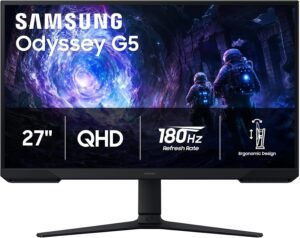
If you’re a gamer searching for that elusive sweet spot between price and performance, you know how difficult it can be to find a monitor that ticks all the right boxes without breaking the bank. The gaming monitor market is crowded with options, but every so often, a standout emerges that seems almost too good to be true for its price. Enter the Samsung 27″ Odyssey G5 (G51F) Series QHD (1440P) Gaming Monitor – a display promising 180Hz refresh rate, 1ms response time, AMD FreeSync, HDR10 support, and a slew of gamer-centric features, all for a compelling price of $149.99 (at time of writing).
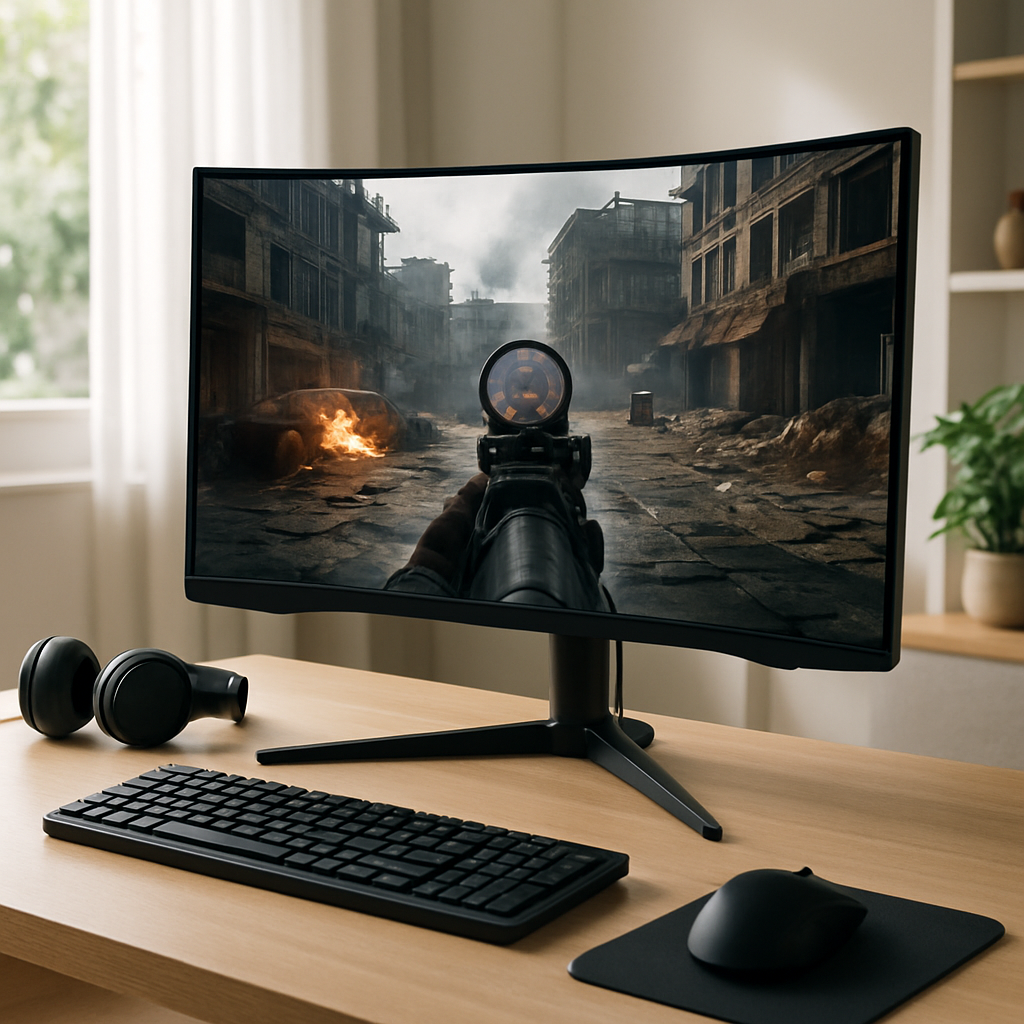
With buzzwords like QHD resolution, HDR, Virtual Aim Point, and a height-adjustable stand, the Odyssey G5 aims to deliver premium features at a budget-friendly cost. But does it live up to the hype? And more importantly, is it the right fit for your setup?
In this hands-on review, I’ll break down my detailed testing and real-world impressions of the Samsung 27″ Odyssey G5 (LS27FG512ENXZA), analyzing everything from design and build to performance and usability. Whether you’re a competitive gamer, content creator, or just want to upgrade your home office, I’ll help you decide if this monitor deserves a place on your desk.
Let’s dive in and see if this is 2026’s best gaming monitor deal under $150.
Current Price: $149.99
✓ Fast & Free Shipping with Prime | ✓ Easy Returns | ✓ Secure Checkout
Price as of 8/19/2026 – click to check current availability on Amazon
Product Overview & First Impressions
The Samsung Odyssey G5 (G51F) is designed as a QHD (2560×1440) gaming monitor, sporting a 27-inch screen size – widely regarded as the current sweet spot for immersive gaming and productivity. With a 180Hz refresh rate and 1ms response time, this model is clearly aimed at gamers who prioritize speed and responsiveness. Its inclusion of AMD FreeSync ensures smooth, tear-free visuals, while HDR10 support aims to boost color and contrast for a more vivid experience.
Targeted at PC gamers, console users, and even creative professionals who want sharp visuals without overspending, the Odyssey G5 positions itself as a versatile all-rounder. The monitor arrives well-packaged, with protective foam inserts and clear labeling. Samsung’s packaging feels sturdy and eco-conscious, with most materials being recyclable.
In the box, you’ll find the monitor panel, a height-adjustable stand (with tilt and swivel), an HDMI cable, a power adapter, setup instructions, and warranty information. Assembly is straightforward; the stand clicks securely into place, and attaching the base is quick with the included screws. Even for the not-so-technically inclined, you can go from unboxing to powered-on in under 10 minutes.
First impressions are strong: the display’s thin bezels and matte finish lend a premium vibe, and the stand feels more robust than many at this price point. The OSD (on-screen display) controls are tucked behind the lower right corner, accessible via a convenient joystick-style button. From the get-go, the Odyssey G5 feels like it means business, both in style and substance.
Design & Build Quality
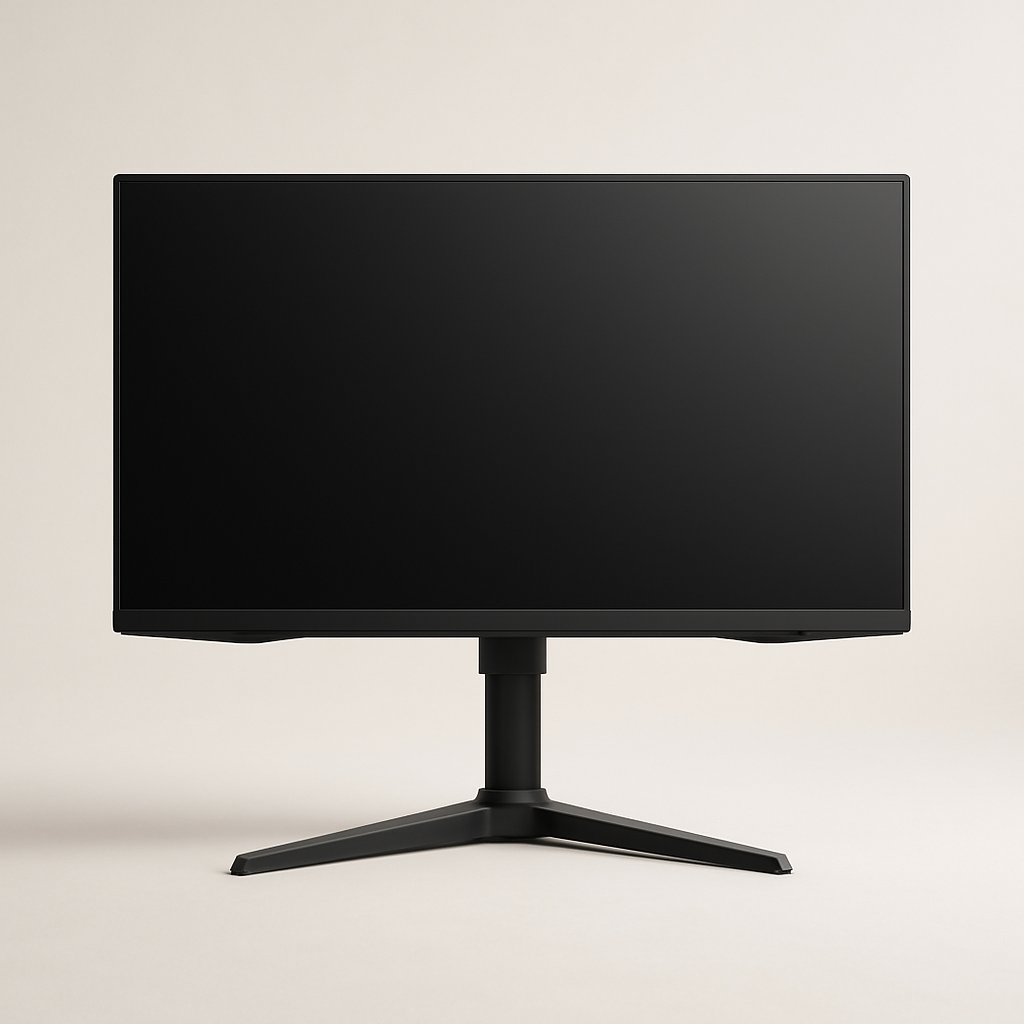
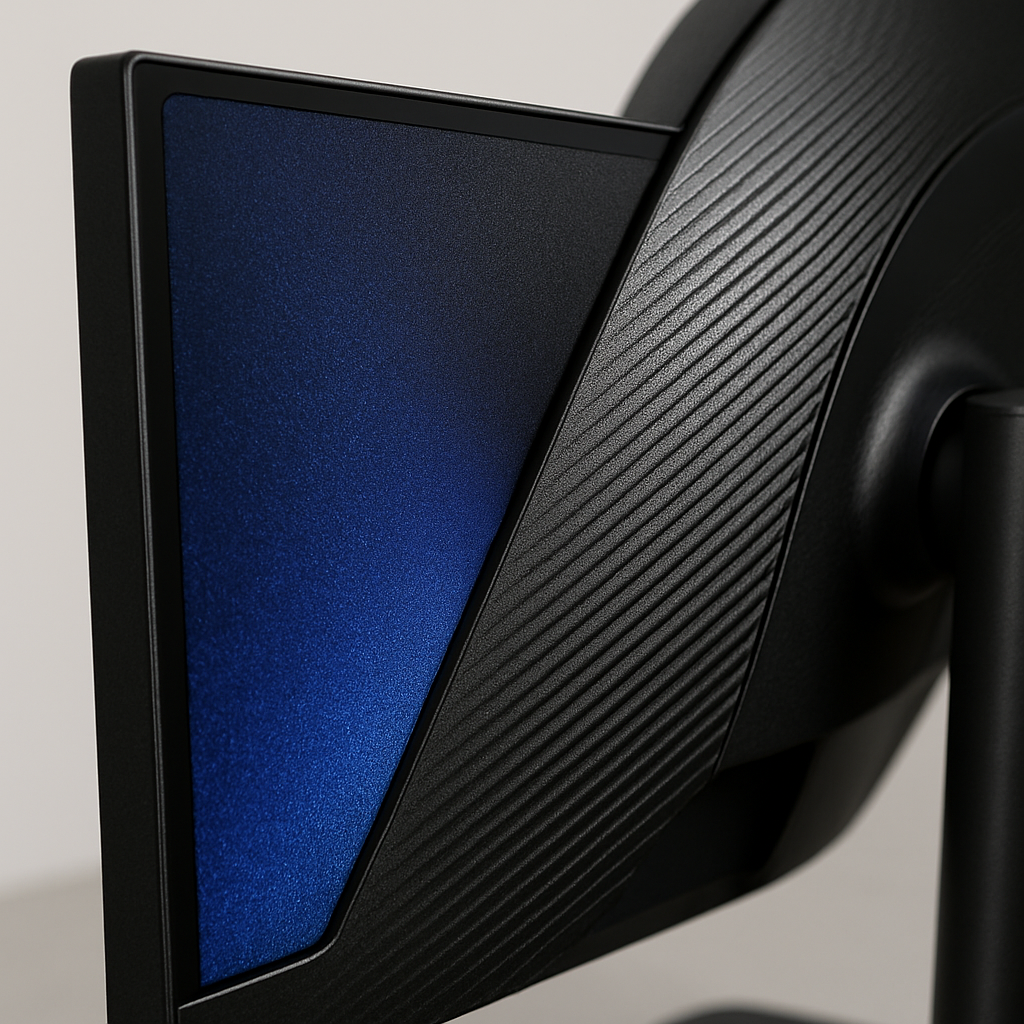
Samsung’s Odyssey line is known for sleek, minimalist design, and the G5 (G51F) continues that tradition. The monitor sports a matte-black finish with subtle texturing, and its near-borderless bezels on three sides make it ideal for multi-monitor setups. The rear panel features a faint Odyssey logo and gentle sculpting – no garish RGB here, just understated gamer sophistication.
The stand is a highlight: it offers height adjustment, tilt, and swivel, which is rare for monitors in this price range. The base is solid, with just enough weight to prevent wobble, and its footprint balances stability with desk space efficiency. Cable management is facilitated by a discreet cutout in the neck of the stand, keeping things tidy and organized.
Build quality feels reassuring. The plastics used are high-grade, with minimal flex when adjusting the monitor. The adjustment mechanisms glide smoothly, and the display maintains its position without droop. At 27 inches, the monitor is large enough for immersive gaming and multitasking, yet remains manageable for most desk setups.
While portability isn’t a focus for a 27-inch monitor, the Odyssey G5 is light enough to move between rooms if needed. VESA mount compatibility (100x100mm) means wall or arm mounting is straightforward, adding to its flexibility for custom setups or multi-monitor rigs.
Key Features & Specifications
Let’s break down the Odyssey G5’s standout features and what they mean for real-world use:
- QHD (2560×1440) Resolution: This resolution strikes a great balance between sharpness and performance. Text is crisp, images are detailed, and games look noticeably better than 1080p but don’t require the horsepower of 4K. For a 27-inch panel, QHD is ideal – you get a high pixel density without UI scaling headaches.
- 180Hz Refresh Rate: High refresh rates are a must for competitive gaming, reducing motion blur and delivering smoother gameplay. At 180Hz, fast-paced shooters and esports titles feel buttery and responsive, especially when paired with a capable GPU.
- 1ms Response Time: Response time measures how quickly a pixel can change from one color to another. A 1ms rating means minimal ghosting and blur, which is crucial for fast, twitchy games like Valorant, Apex Legends, and CS:GO.
- AMD FreeSync Support: This adaptive sync technology eliminates screen tearing and stuttering by matching the monitor’s refresh rate to your GPU’s frame output. Even if you’re using an NVIDIA card, recent drivers support FreeSync over DisplayPort and HDMI, so you’ll benefit regardless of your system.
- HDR10 Compatibility: HDR10 brings richer colors and deeper contrast to compatible games and media. While entry-level HDR can’t match high-end TVs, you’ll still notice improved highlights, shadows, and vibrancy in supported titles and streaming apps.
- Height Adjustable Stand: Ergonomics matter for long sessions, and the ability to raise, lower, tilt, and swivel the monitor helps you find the perfect angle. This reduces neck and eye strain, setting the Odyssey G5 apart from many fixed-stand competitors.
- Black Equalizer: A feature targeted at gamers, Black Equalizer brightens dark areas in games without washing out the entire image. This can give you a tactical advantage in competitive shooters by making it easier to spot enemies hiding in shadows.
- Virtual Aim Point: This on-screen crosshair overlay is a handy tool for games that lack one by default, letting you stay accurate even in titles with minimal HUDs.
- Auto Source Switch+: Easily switch between connected devices (like your PC, console, or laptop) without fumbling with input menus. The monitor detects new signals and switches automatically, simplifying multi-system setups.
Compared to rival monitors in this price bracket, the Odyssey G5’s feature set is impressive. Many sub-$200 monitors cap out at 144Hz, lack ergonomic stands, or skip on HDR support. Samsung’s inclusion of gamer-focused tools like Black Equalizer and Virtual Aim Point is a thoughtful touch, further enhancing its value proposition.
Performance & Real-World Testing
Let’s move from specs to how the Odyssey G5 (G51F) actually performs across different scenarios:
Gaming Performance
In competitive shooters like Overwatch 2, Valorant, and Apex Legends, the 180Hz refresh rate and 1ms response time truly shine. Movements are ultra-smooth, mouse input feels instantaneous, and motion blur is virtually nonexistent. Switching between my old 60Hz display and the Odyssey G5 is night-and-day; once you experience high refresh, there’s no going back.
AMD FreeSync worked seamlessly with my Radeon GPU, and the monitor also played nicely with NVIDIA G-SYNC Compatible mode via DisplayPort. No noticeable tearing or stuttering, even during frantic firefights or when frame rates fluctuated. The Black Equalizer feature gave a subtle but real advantage in darker maps, making it easier to track opponents hiding in dimly lit corners without blowing out the entire image.
Visual Quality & Color
Thanks to the QHD resolution, images are sharp and detailed. Colors are vibrant, though, like most VA panels, there’s a slight shift in color accuracy off-axis. For gaming and general use, the colors are more than pleasing; only professional colorists might notice the limits compared to high-end IPS panels. HDR10 support brings a welcome boost to compatible games and streaming content. While peak brightness isn’t as high as top-tier HDR monitors, highlights and shadows are noticeably richer than on standard SDR displays.
Productivity & Content Creation
For productivity, the extra screen real estate at 1440p is a game-changer. Side-by-side windows, video editing timelines, and spreadsheets all benefit from the increased workspace. Text rendering is crisp, and eye strain is reduced thanks to the flicker-free backlight and blue light reduction modes. While color-critical work is best left to dedicated IPS displays, the Odyssey G5 is more than capable for hobbyist photo editing and video playback.
Long-Term Use & Reliability
During extended sessions, the monitor remained cool and silent. The stand’s ergonomic adjustments made it easy to stay comfortable, and the matte screen finish kept glare at bay even in bright rooms. I experienced no dead pixels, backlight bleed was minimal, and the OSD controls were intuitive. Based on Samsung’s track record and user feedback, long-term reliability should be strong, though all monitors can vary from unit to unit.
Current Price: $149.99
🛒 View Full Specifications on Amazon
✓ Fast & Free Shipping with Prime | ✓ Easy Returns | ✓ Secure Checkout
Price as of 8/19/2026 – click to check current availability on Amazon
User Experience & Ease of Use
Setting up the Odyssey G5 is refreshingly simple. The stand attaches via a tool-free mechanism, and all necessary cables are included. Powering on for the first time, the OSD menu is accessible via a single joystick button on the rear, making navigation effortless compared to clunky button arrays found on more budget-friendly monitors.
Within the OSD, adjusting refresh rate, enabling FreeSync, toggling Black Equalizer, and switching inputs is quick and logical. Preset picture modes (Standard, FPS, RTS, etc.) let you tailor the image profile to your current activity with a couple of clicks. The monitor auto-detects new input sources, so you can switch between your gaming PC, console, or streaming device without digging through menus – a time saver for multi-system setups.
Maintenance is minimal; the matte screen resists fingerprints, and the rear housing is easy to wipe clean. The monitor draws modest power, and there’s an eco mode if you want to reduce energy consumption further. Samsung’s warranty is industry-standard (typically one year), and their customer support is generally responsive, though your experience may vary by region.
Common user feedback highlights the monitor’s strong performance for gaming, with occasional mentions of minor color shifting at extreme angles (a known trait of VA panels). Most users appreciate the easy setup, ergonomic stand, and feature-rich OSD.
Comparison with Alternatives
How does the Samsung Odyssey G5 (G51F) stack up against its closest competitors?
- AOC CQ27G2: Another popular 27″ QHD gaming monitor, usually priced a bit higher. It offers a similar 144Hz refresh rate but lacks the 180Hz peak of the Odyssey G5. Both feature VA panels and adaptive sync, but Samsung’s stand is more ergonomic, and the G5’s HDR support gives it an edge for media consumption.
- Gigabyte G27Q: A 27″ QHD IPS monitor, offering better color accuracy and wider viewing angles, but typically at a higher price and with a 144Hz rather than 180Hz refresh rate. If you’re a content creator who values color above all else, the G27Q is worth considering, though you’ll sacrifice some gaming speed and pay a premium.
- MSI Optix MAG272CQR: Another VA panel with similar gamer features, but again, most variants top out at 165Hz. Samsung’s Odyssey G5 stands out with its higher refresh rate and more flexible stand at a lower price point.
Ultimately, the Odyssey G5 offers a compelling blend of high refresh rate, QHD resolution, and gaming-centric features that are hard to match for $149.99. Its closest rivals either cost more, offer fewer features, or lack the same level of ergonomics.
Detailed Pros and Cons
Pros
- Excellent Value for Money: For $149.99, you get a rich feature set and strong performance rarely seen at this price.
- 180Hz Refresh Rate: Ultra-smooth motion for fast-paced games, ideal for competitive gamers.
- QHD Resolution: Sharp, crisp visuals and increased workspace compared to 1080p monitors.
- 1ms Response Time: Minimal ghosting and blur, great for esports and action gaming.
- AMD FreeSync Support: Tear-free gaming with both AMD and (via compatibility) NVIDIA GPUs.
- Height Adjustable Stand: Ergonomic adjustments rare at this price level, supporting long-term comfort.
- Black Equalizer & Virtual Aim Point: Gamer-centric features that offer real tactical advantages.
- Auto Source Switch+: Effortless switching between connected devices is a major convenience for multi-system users.
Cons
- VA Panel Viewing Angles: Colors can shift at extreme angles; not ideal for collaborative work or group viewing.
- Entry-Level HDR: While HDR10 is supported, peak brightness and color volume are limited compared to higher-end monitors.
- Built-in Speakers Absent: No integrated audio, so external speakers or headphones are necessary.
- Limited USB Ports: No USB hub functionality, which would add further convenience for peripherals.
- Some Units May Exhibit Backlight Bleed: Like most VA panels, there’s a small risk of backlight bleed at the corners, though it wasn’t significant in my unit.
Most of these limitations are common in this class and price range, but it’s important to set realistic expectations. For single-user gaming and productivity, the drawbacks are minor; for color-critical work or shared viewing, an IPS panel might be a better fit.
Who Should Buy This?
The Samsung 27″ Odyssey G5 (G51F) is a fantastic fit for several user profiles:
- Competitive Gamers: If you play FPS, MOBA, or Battle Royale titles and want the speed edge a 180Hz monitor provides, this is an ideal upgrade from 60Hz or 75Hz displays.
- Budget-Conscious Enthusiasts: Those looking for premium features without the premium price will find exceptional value here.
- Multi-System Users: With Auto Source Switch+ and a flexible stand, it’s great for setups involving a PC, console, and streaming box.
- General Productivity & Media Consumption: QHD resolution and HDR support make it a solid choice for office work, streaming, and casual creative projects.
Who might look elsewhere? If you’re a professional photo or video editor demanding perfect color accuracy and consistency, you might prefer an IPS monitor. If you need built-in speakers or a USB hub, those features are missing here. For those who want true, high-brightness HDR, you’ll need to invest in a pricier model.
Value for Money & Final Verdict
At $149.99, the Samsung 27″ Odyssey G5 (G51F) is a standout value in the gaming monitor market. For the price of many entry-level 1080p displays, you’re getting QHD resolution, a blazing-fast 180Hz refresh rate, 1ms response, FreeSync, HDR10, and a suite of gamer-centric features, all wrapped in a sturdy, ergonomic package.
Samsung’s attention to build quality and practical usability—like the height-adjustable stand and intuitive OSD—further elevates the G5 above its rivals. While there are some minor compromises typical of VA panels and budget HDR, these are easily outweighed by the monitor’s strengths for its target audience.
For most gamers, hobbyist creators, and productivity users, this monitor represents a substantial, affordable upgrade. If you’re seeking high refresh gaming and sharp visuals without overspending, look no further. Just remember, as with all tech, pricing can fluctuate, so check Amazon for the latest deals and stock status.
Final verdict: The Samsung Odyssey G5 (G51F) is one of the best QHD gaming monitors you can buy under $150 in 2026, especially for gamers who value speed, clarity, and versatility. Highly recommended!
Current Price: $149.99
🛒 Get the Best Price on Amazon
✓ Fast & Free Shipping with Prime | ✓ Easy Returns | ✓ Secure Checkout
Price as of 8/19/2026 – click to check current availability on Amazon