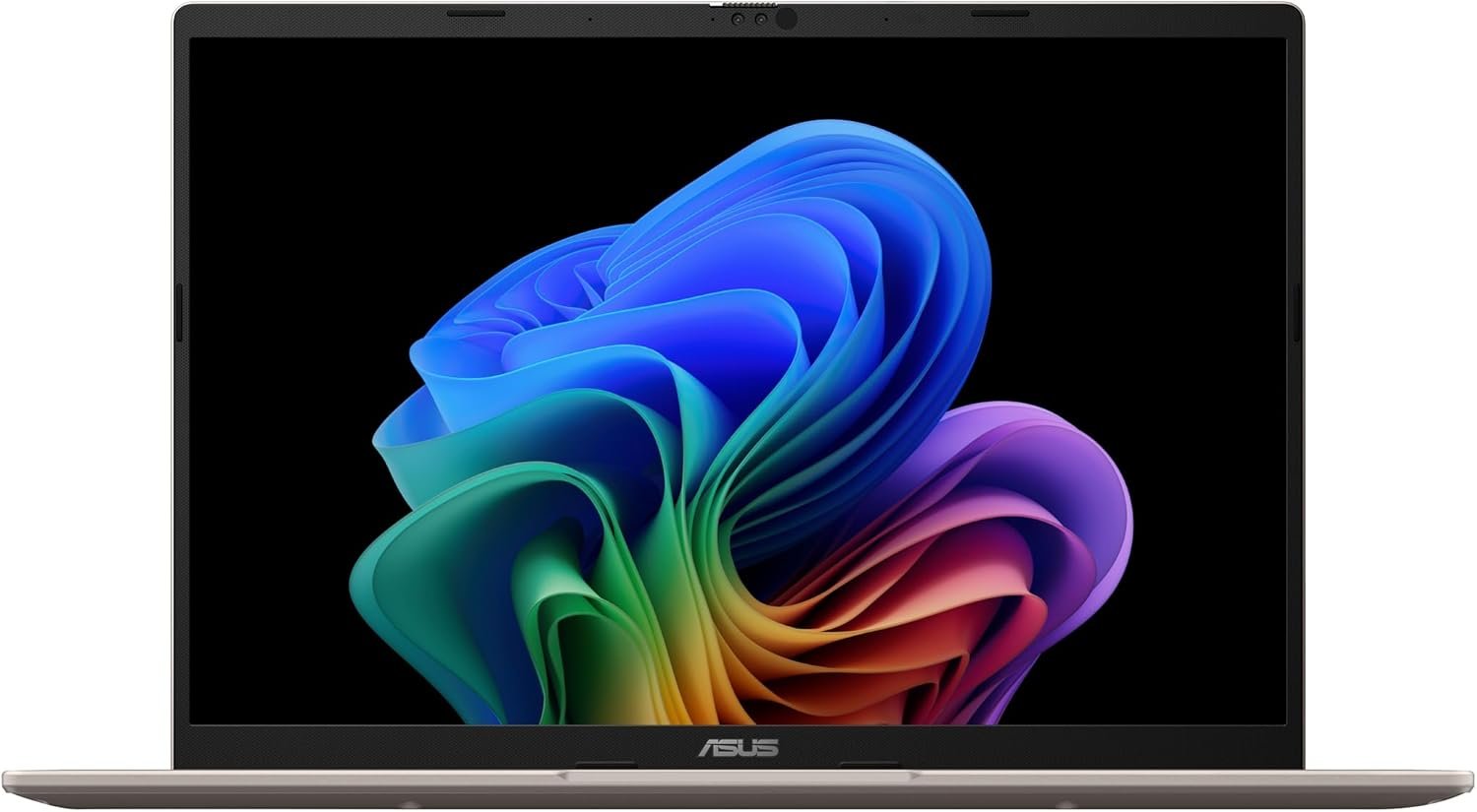
The ASUS Vivobook 14 is a practical, mainstream Copilot+ PC that focuses on value, portability, and everyday usability rather than premium extras or gaming level performance. Based on the Amazon listing you shared, this configuration includes a 14 inch WUXGA 60Hz display, an AMD Ryzen AI 7 350 processor with AMD XDNA NPU, AMD Radeon graphics, 16GB of RAM, a 512GB SSD, and a Platinum Gold finish. ASUS’s official product page for the Vivobook 14 M1407 confirms the same platform family, including the Ryzen AI 7 350, up to 32GB of memory, and up to 1TB SSD storage.
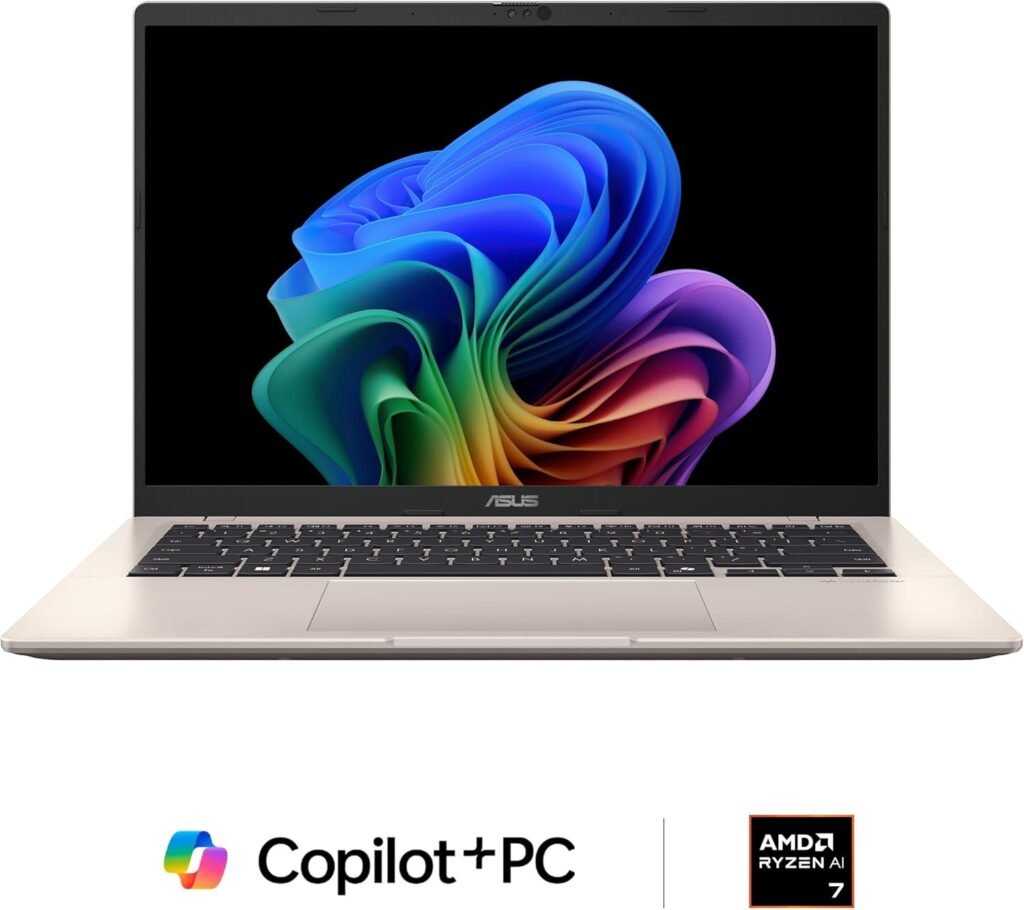
One of the strongest points of this laptop is that it seems well balanced for its category. This is not meant to be a luxury ultrabook or a high performance creator machine. Instead, it is designed for users who want a modern laptop that feels responsive in daily use, stays relatively portable, and includes the latest AI focused platform features without becoming too expensive or overly specialized. For students, office users, general home users, and anyone looking for a capable all purpose 14 inch laptop, that is a very appealing combination.
The processor is a key part of that appeal. ASUS lists the Ryzen AI 7 350 as an 8 core, 16 thread chip with boost speeds up to 5.0GHz, and both ASUS and retail listings note the inclusion of the AMD XDNA NPU with up to 50 TOPS. That means this machine is not just another ordinary budget laptop with a new label attached. It is part of the newer generation of AI capable Windows laptops, with enough CPU performance for serious multitasking and enough platform support to participate in Copilot+ features as Microsoft continues expanding them.

In everyday use, that should translate to a solid productivity experience. A configuration with 16GB of RAM and a 512GB SSD is not extravagant, but it is sensible. It gives users enough memory for modern multitasking, web heavy workflows, office apps, streaming, and school or business use without feeling cramped right away. The 512GB SSD is also enough for documents, media, and standard software for most people, even if power users may eventually prefer more storage.
The 14 inch WUXGA display is another example of this laptop’s balanced approach. According to ASUS’s store page, this model uses a 60Hz anti glare display with a 16:10 aspect ratio. That extra vertical space is helpful for documents, web pages, and productivity work compared with older 16:9 budget laptops. At the same time, this is clearly not a premium display focused machine. ASUS’s own listing notes a 45 percent NTSC color gamut, which suggests a basic practical panel rather than something intended for color critical creative work. So while the screen should be perfectly fine for general productivity, streaming, and everyday use, it is not the standout feature of the system.
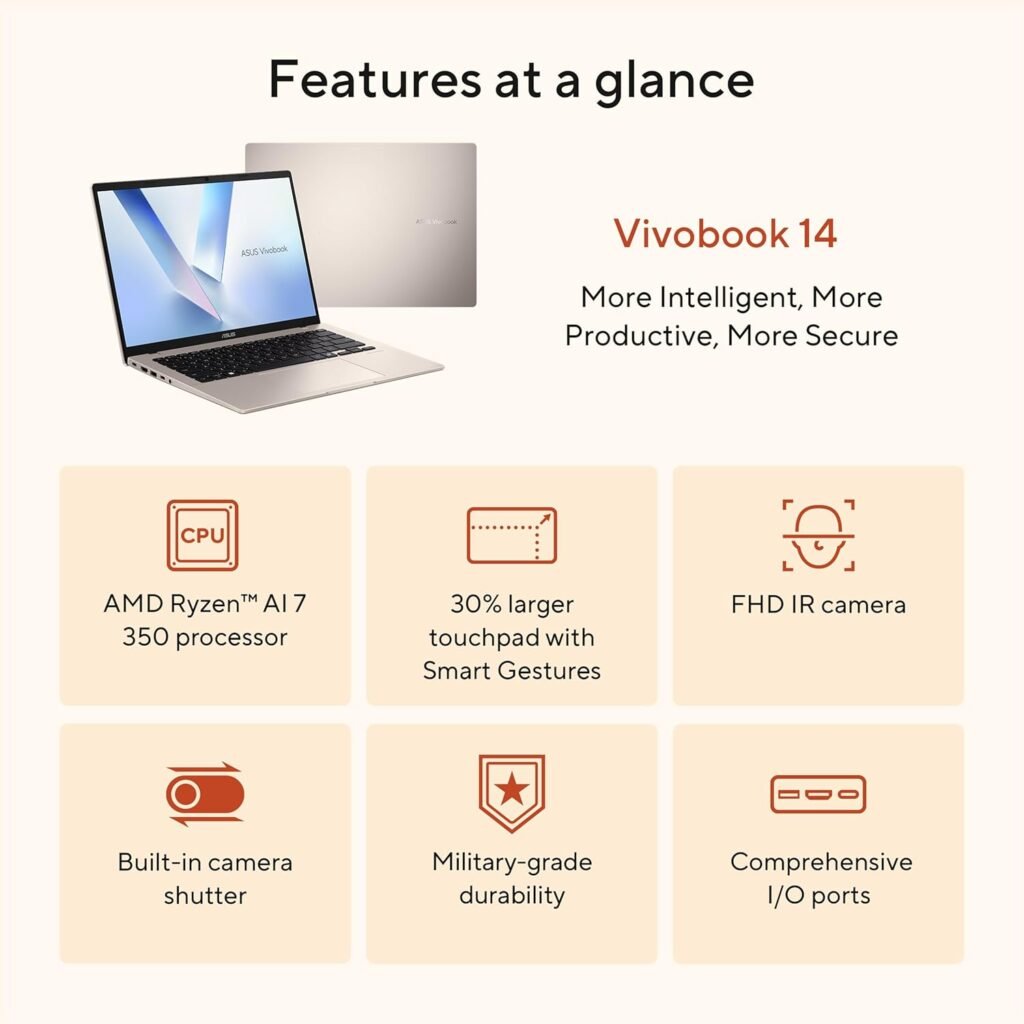
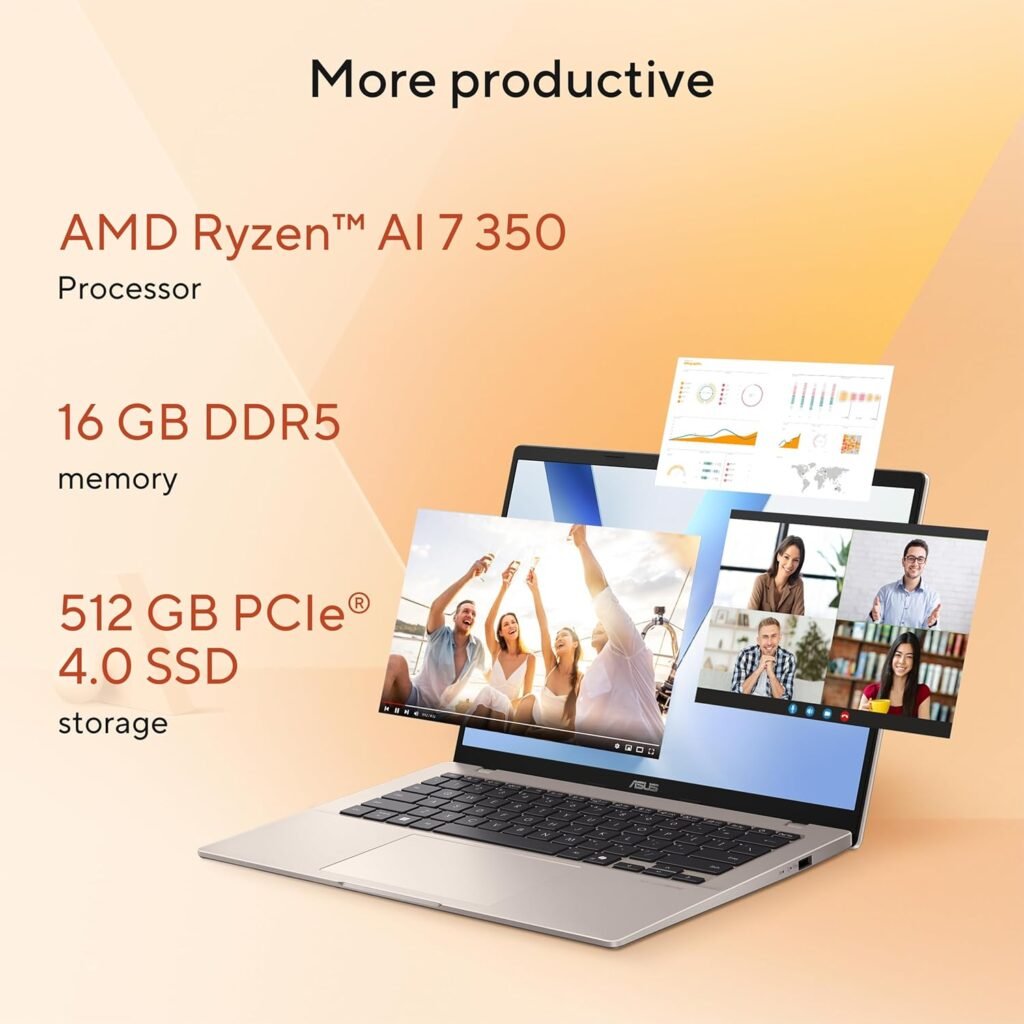
Graphics are similarly appropriate for the class of device. The integrated AMD Radeon graphics should be more than enough for standard daily tasks, video playback, and some light creative or casual gaming use, but this is not a laptop designed for serious gaming or heavy 3D workloads. The Vivobook 14 is best understood as a productivity first machine with modern integrated graphics, not as a budget gaming laptop in disguise.
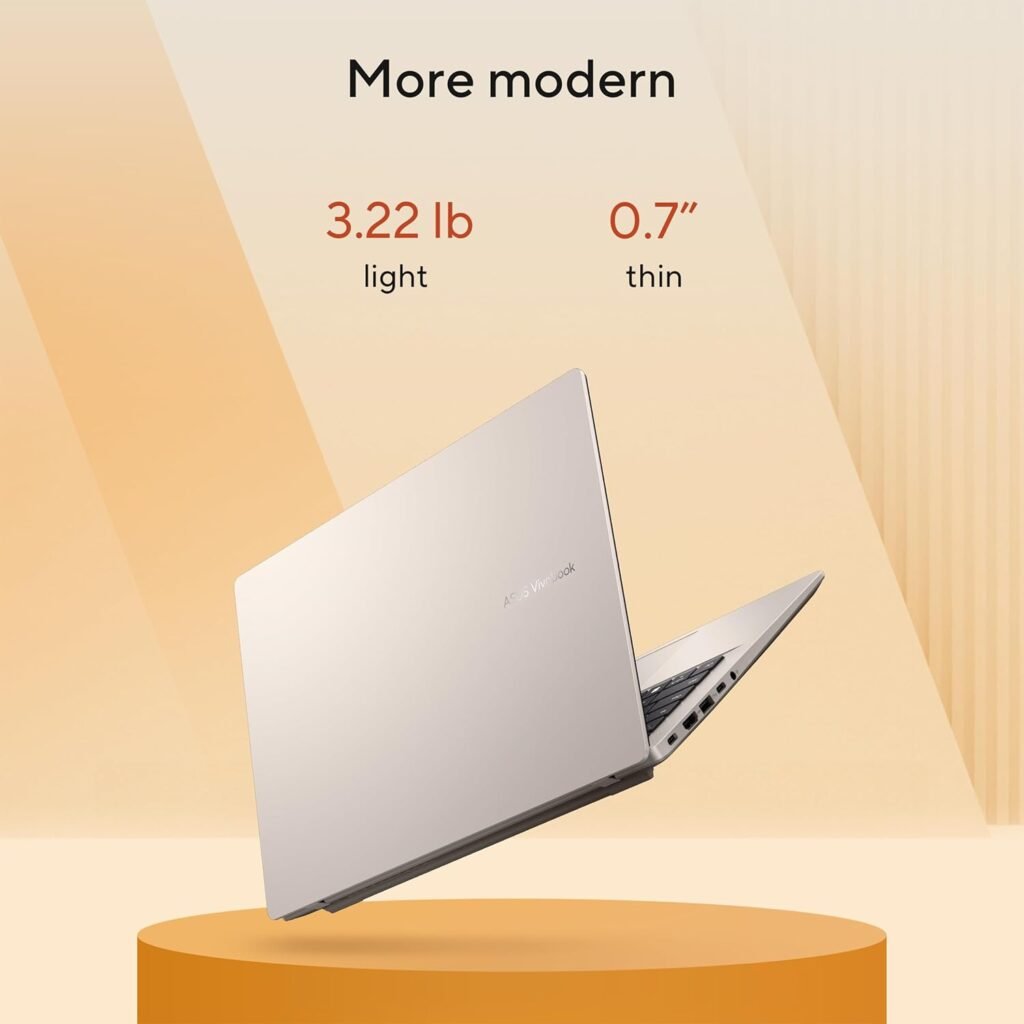
Another thing working in this laptop’s favor is likely portability and general convenience. ASUS markets the Vivobook 14 as an everyday productivity machine, and broader retail coverage positions it as a good fit for students and buyers looking for a simple, affordable Windows laptop with current features. A recent Windows Central piece about the Vivobook 14 family also highlighted the general value proposition of this line, pointing to a combination of decent specs, long battery oriented positioning, and a lower price point than many competing AI branded laptops. That does not automatically guarantee this exact AMD configuration behaves identically, but it reinforces the idea that ASUS is aiming this model at practical everyday buyers rather than niche enthusiasts.

There are, however, a few limitations to keep in mind. The first is the display quality ceiling. A WUXGA 60Hz panel with modest color coverage is fine for regular office and home use, but users who care a lot about vibrant color, higher brightness, higher refresh rates, or premium media consumption may find it a bit ordinary. This is the kind of screen chosen to keep the laptop affordable and efficient, not to impress visually.
The second is storage and long term headroom. While 16GB of RAM is still a healthy amount for mainstream users, 512GB of SSD storage is increasingly just the middle ground. For many people it will be enough, but users with large media libraries, heavier software installations, or long term storage needs may wish this configuration had shipped with 1TB instead. The official Vivobook 14 family does support higher storage capacities in some variants, so this specific model is clearly positioned as a more budget conscious option.
Overall, the ASUS Vivobook 14 looks like a smart choice for someone who wants a capable everyday laptop with a modern AI ready platform and a reasonable price to performance balance. Its Ryzen AI 7 350 processor, 16GB of RAM, 512GB SSD, and 14 inch 16:10 display make it a practical fit for productivity, school, office work, and general home use. It does not try to compete with premium Zenbooks or gaming laptops, and that is completely fine. Its strength is that it appears to deliver the essentials well in a clean, portable package.
In the end, this is the kind of laptop that makes the most sense for buyers who want a straightforward Windows machine with current generation features and no unnecessary complexity. If your priorities are everyday speed, portability, and sensible value, the ASUS Vivobook 14 is a compelling option. If you want a premium display, dedicated graphics, or higher end creator performance, you would probably want to move up to a different category.